Sketch to Image AI
Turn a pencil sketch or drawing into a realistic or coloured picture.
Part of ImgRestyle's AI image to image. Use the homepage tool for any other edit.
5 free generations. No sign-up. No credit card.
Drag & drop an image here, or use the button below
Best for realistic edits and consistent faces.
5 of 5 free generations left — no sign-up needed
Your result will appear here.
Upload a photo or scan of a sketch, describe what the finished picture should look like, and the AI fills in colour, light and texture while following your lines. It suits concept art, room and building ideas, character drafts or just bringing a doodle to life. Results are AI-generated and can vary, so expect to try a few generations.
How to use Sketch to Image AI
- Step 1
Photograph or scan your sketch in even light, with the lines as clear as possible (JPG, PNG or WEBP up to 10MB).
- Step 2
Describe the finished picture: realistic or painted, colours, lighting, time of day and any materials.
- Step 3
Generate, compare with your drawing and download the version you like, or run it again for another variation.
Tips for better results
- Use a high strength so the AI can add colour and detail. Lower it if the result drifts away from your composition.
- Dark lines on plain white paper work best. Shadows, creases and a cluttered desk in the photo can confuse the model.
- Name what each part of the drawing is, for example "a cottage with a chimney, a big tree on the left, a winding path".
- Say whether you want a photo, an oil painting or a flat illustration. The style is up to the prompt.
Example before and after
Example imagesExample images — generated to show the idea, not real customer results.
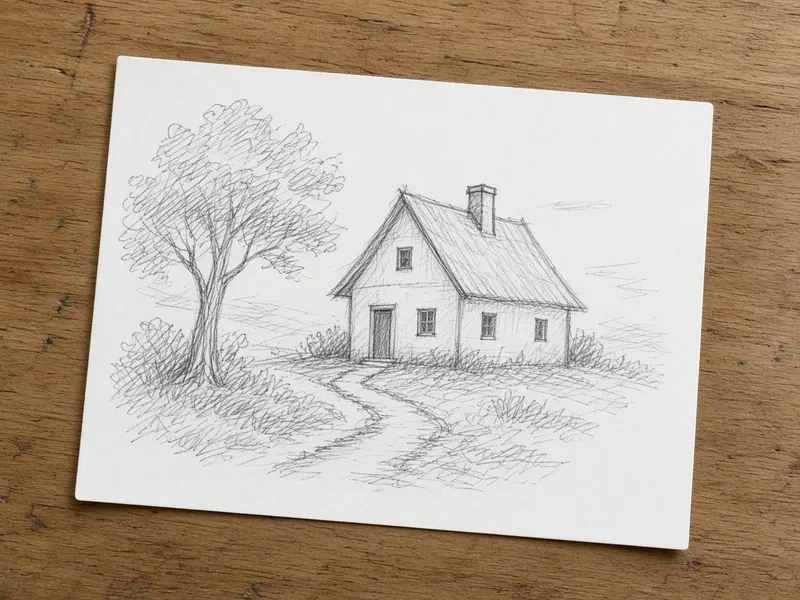
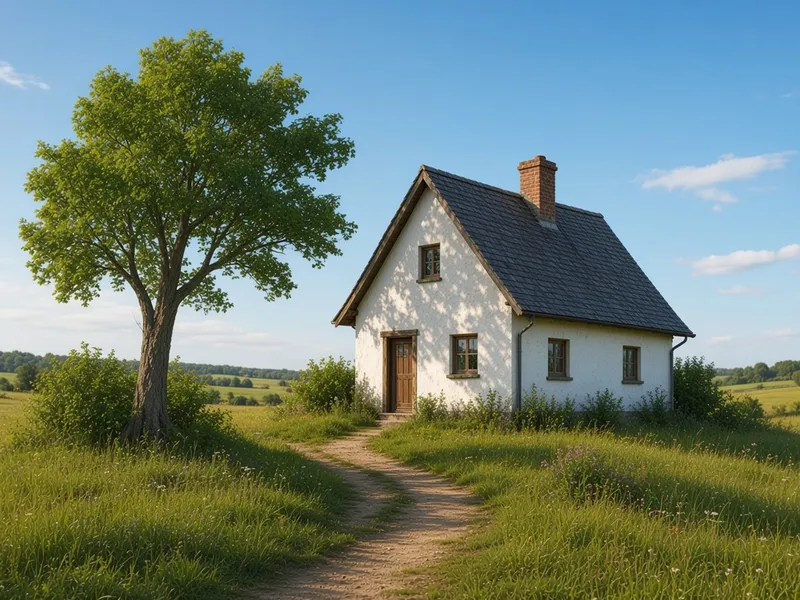
A pencil sketch of a cottage, a tree and a winding path becomes a sunny countryside picture. The layout follows the drawing, while colours and details are the AI's own. Real results vary.
Featured results
Example imagesExample images — generated to show the idea, not real customer results.
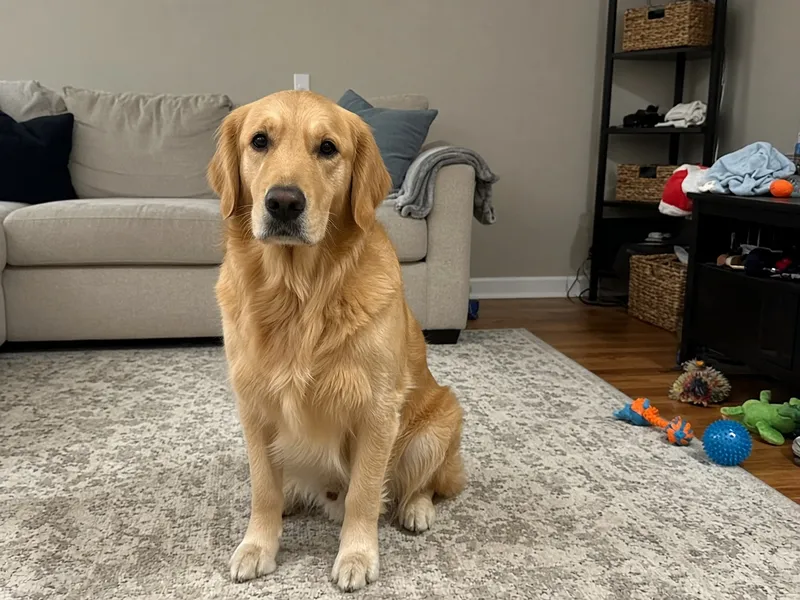
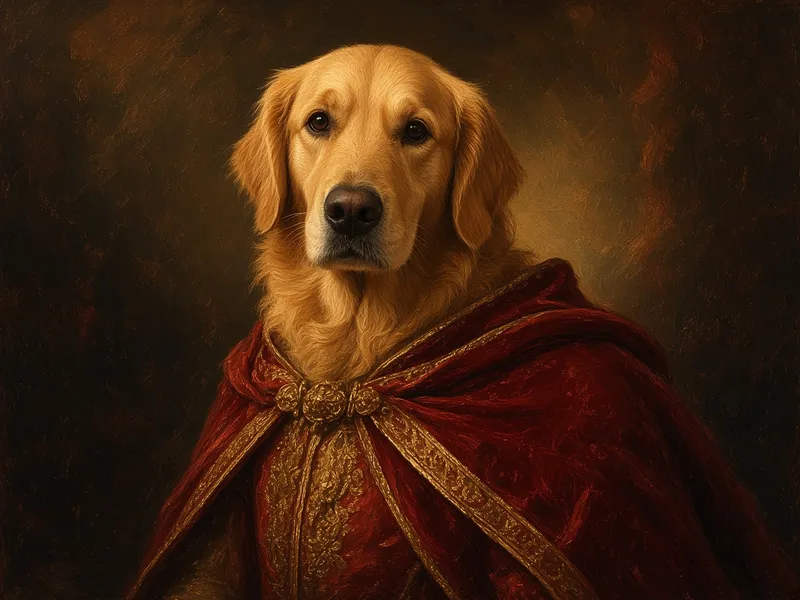
Before → After
AI Pet Portrait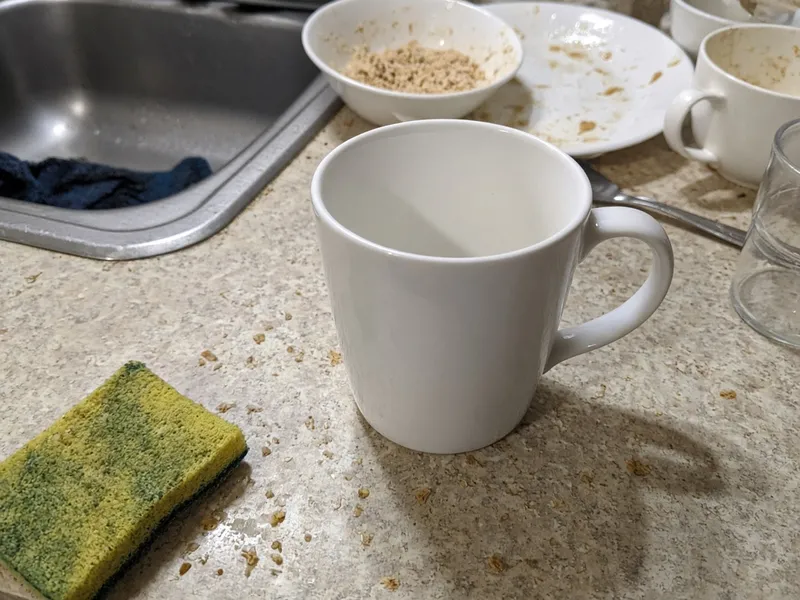
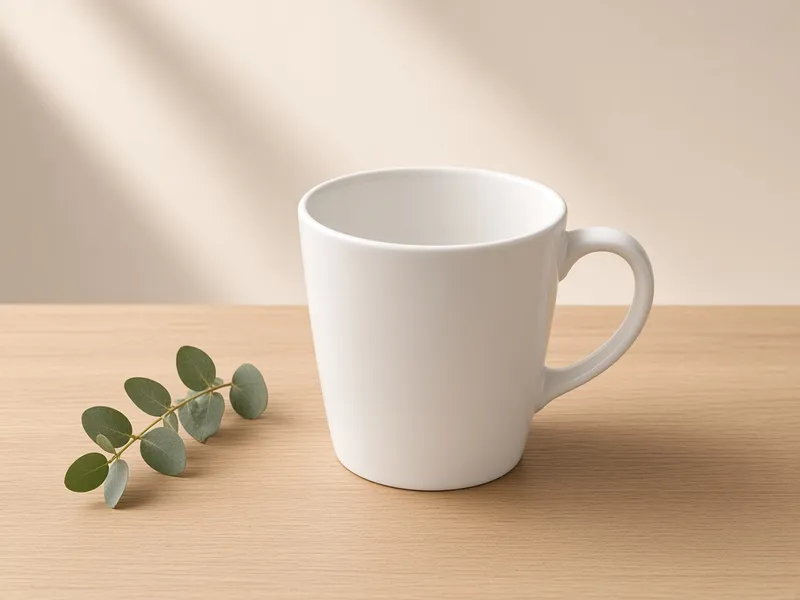
Before → After
AI Product Photo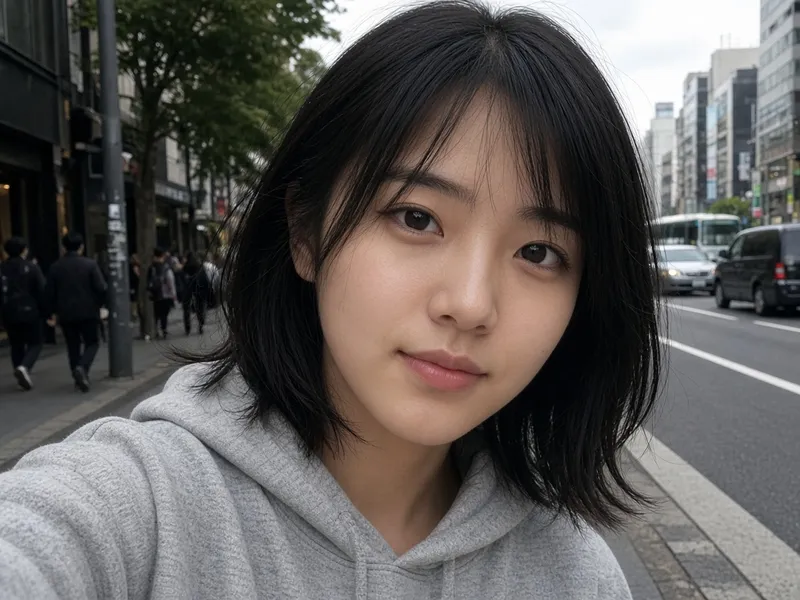
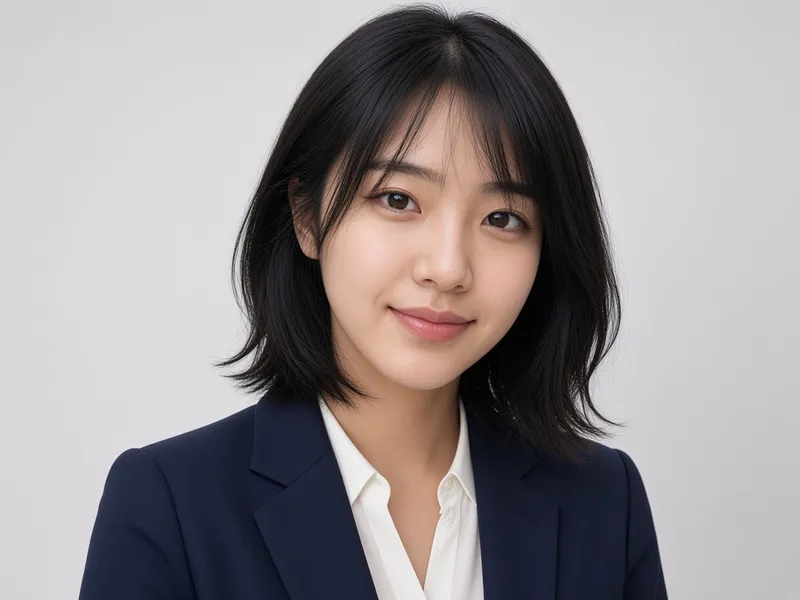
Before → After
AI Headshot Generator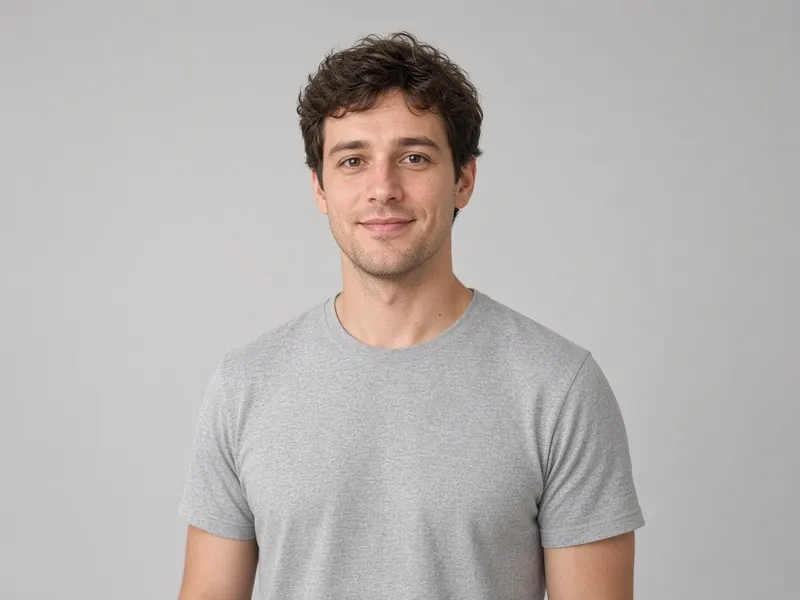
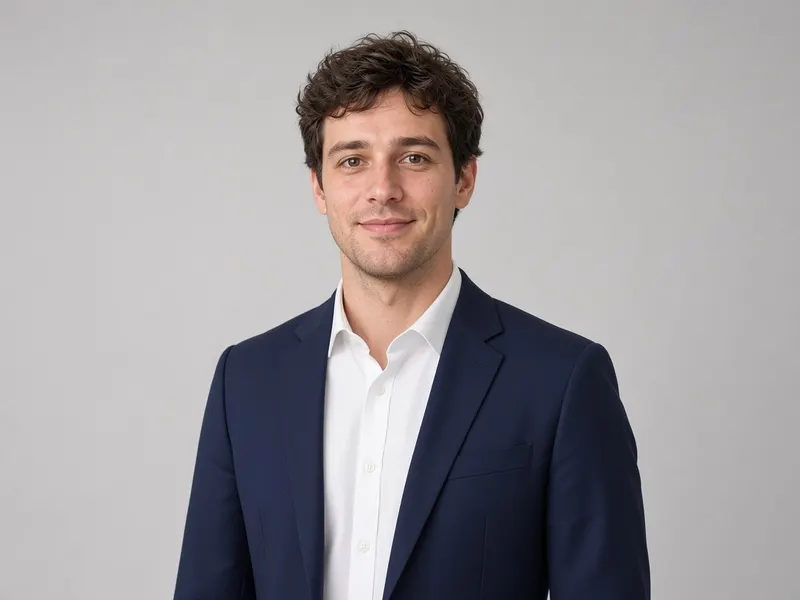
Before → After
AI Clothes Changer
More tools
Frequently asked questions
Will the result follow my drawing exactly?
It follows the overall layout, but nothing is guaranteed. The AI generates a new image, so proportions and small details can change. Lower the strength to stay closer to your lines.
Does it need a neat drawing?
No, but clearer lines give better results. Rough sketches work if you describe in the prompt what each shape is.
Can I get a painting or cartoon instead of a photo?
Yes. Say in the prompt which style you want, for example watercolour, oil painting or flat vector illustration.
Is it free?
You get 5 free generations with no sign-up and no credit card. After that you can sign in and use paid credits. See the pricing page for current prices.