Photo to Hand-Drawn Anime Style (Ghibli-Inspired Look)
Redraw photos in a soft, hand-drawn anime film look.
Part of ImgRestyle's AI image to image. Use the homepage tool for any other edit.
5 free generations. No sign-up. No credit card.
Drag & drop an image here, or use the button below
Best for realistic edits and consistent faces.
5 of 5 free generations left — no sign-up needed
Your result will appear here.
Convert a photo into an illustration inspired by hand-drawn anime films: soft watercolour backgrounds, warm light and gentle colours. It works on portraits, pets and landscapes. ImgRestyle is an independent tool and is not affiliated with, endorsed by or connected to Studio Ghibli or any other studio.
How to use Anime Film Style
- Step 1
Upload a photo with a clear subject (JPG, PNG or WEBP up to 10MB).
- Step 2
Keep the suggested prompt or edit it. Mention the mood, colours and time of day you want.
- Step 3
Generate, then download the result or run it again for another variation.
Tips for better results
- Use a higher strength for a full illustrated look and a lower one if you want it to stay close to the photo.
- Describe the scene, not a studio name: "soft watercolor sky, warm afternoon light, hand-painted grass".
- Simple compositions with one clear subject tend to convert more cleanly than crowded scenes.
- Try more than one model. Each one interprets the style differently.
Example before and after
Example imagesExample images — generated to show the idea, not real customer results.
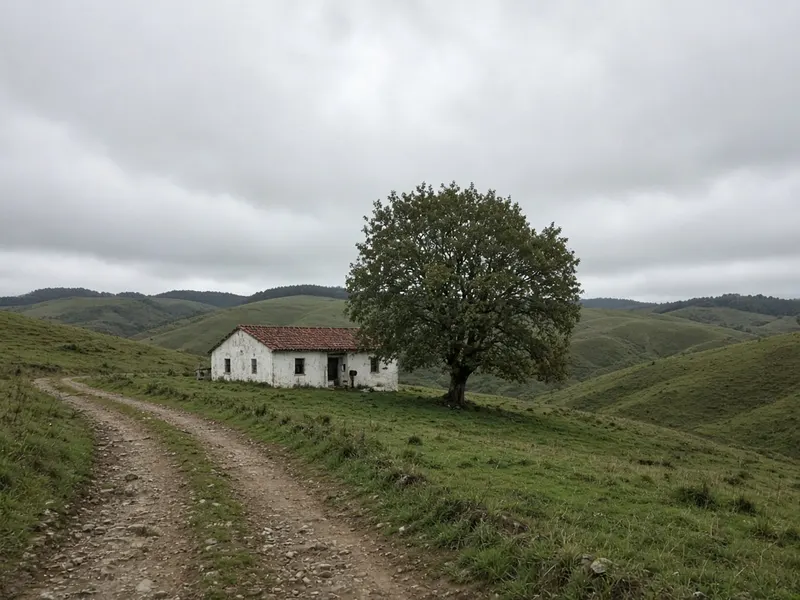
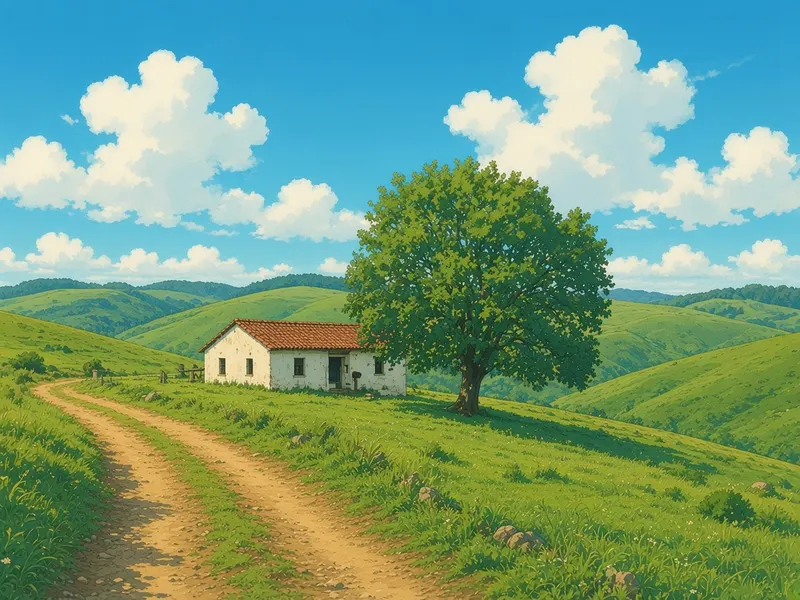
An overcast farmhouse photo becomes a hand-painted anime-style scene with a blue sky and warm light. Real output will differ and depends on your photo and prompt.
Featured results
Example imagesExample images — generated to show the idea, not real customer results.
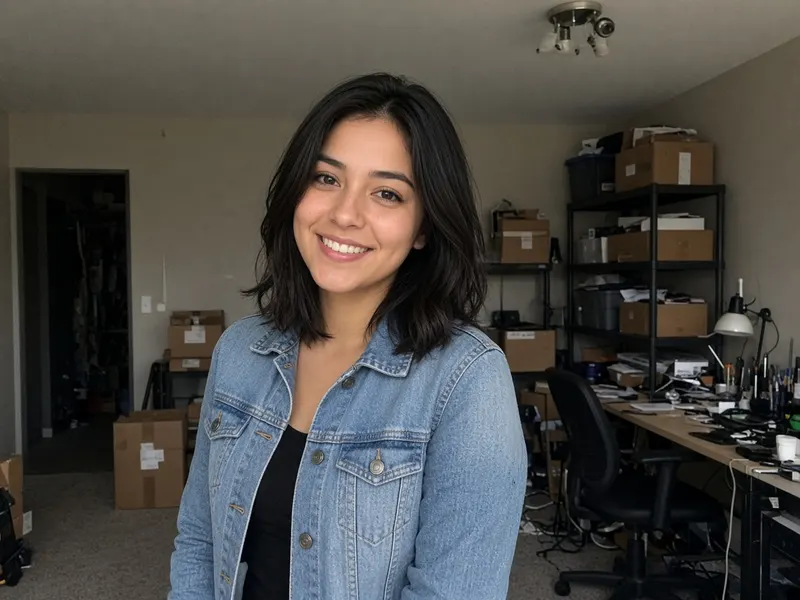
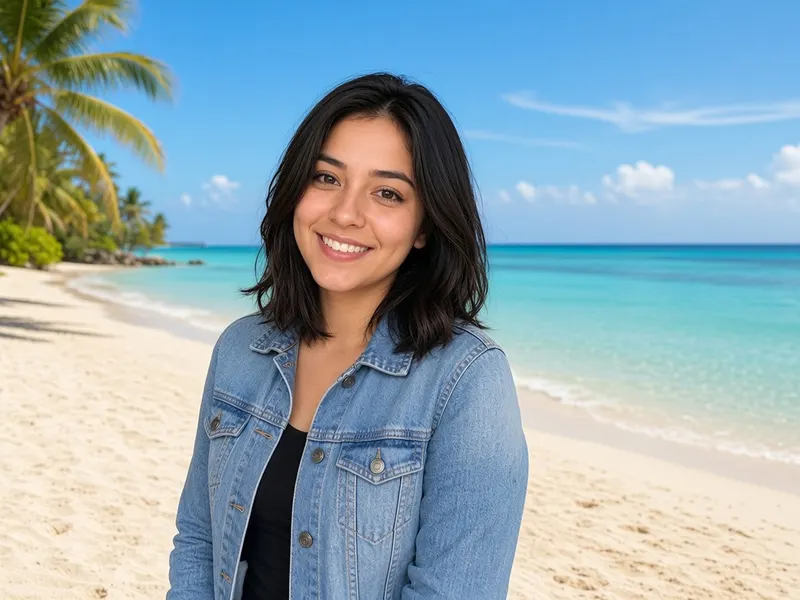
Before → After
Background Replace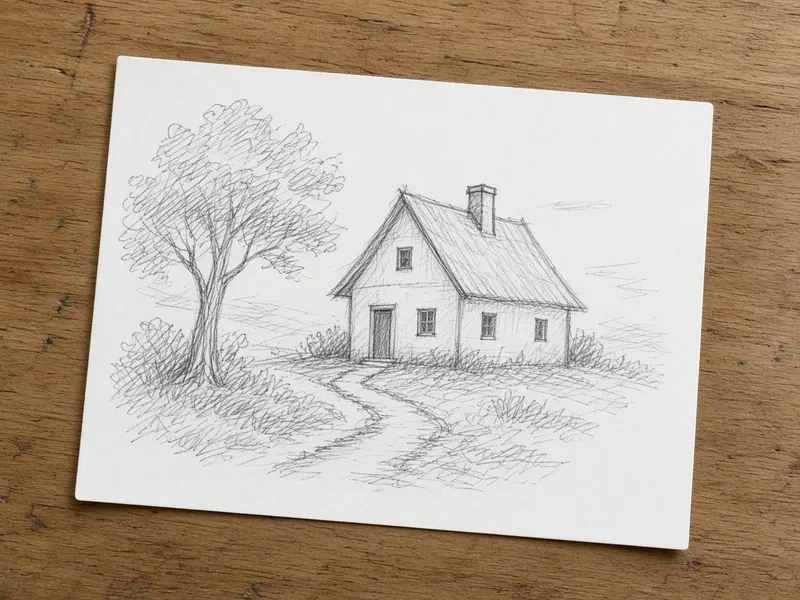
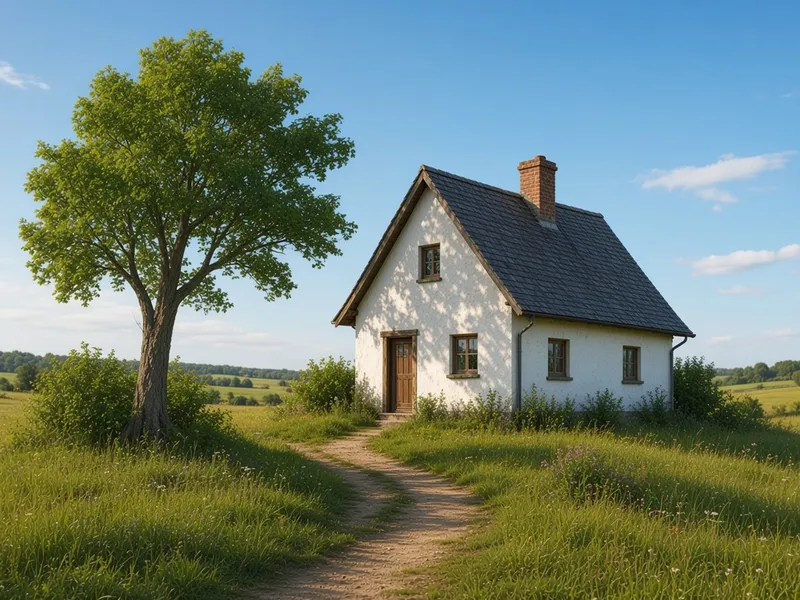
Before → After
Sketch to Image AI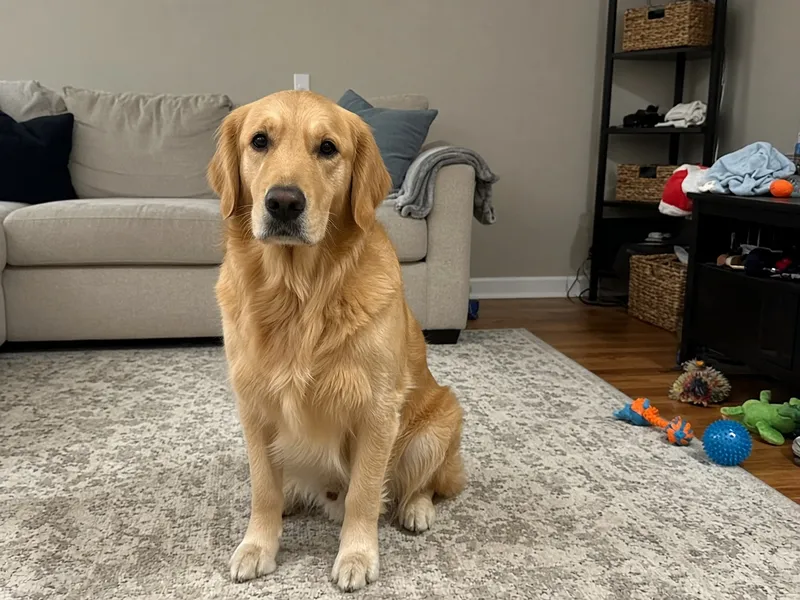
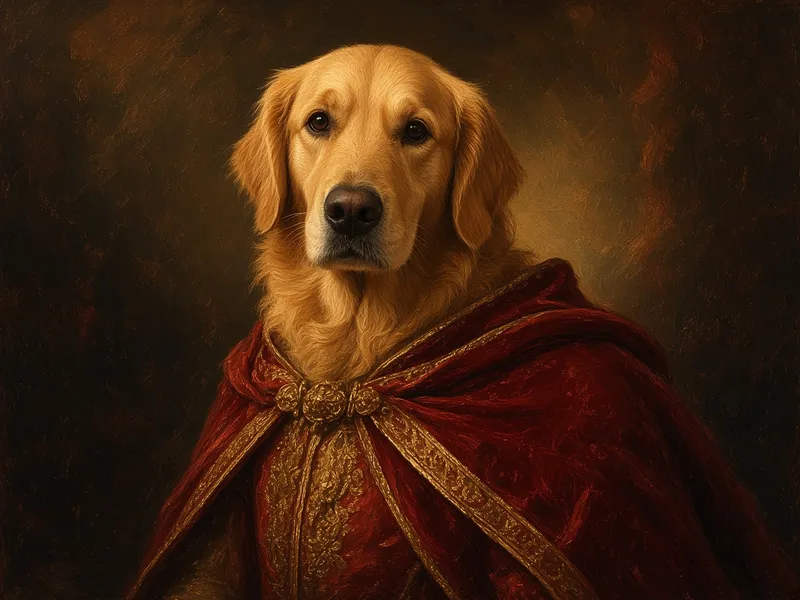
Before → After
AI Pet Portrait
Before → After
AI Product Photo
More tools
Frequently asked questions
Is this affiliated with Studio Ghibli?
No. ImgRestyle is independent and has no connection to Studio Ghibli or any other studio. The tool describes a general hand-drawn anime look in the prompt; it does not copy specific films or characters.
Which model should I use?
It depends on your photo. Seedream 5 is described as fast and vivid and suits stylised looks, while Nano Banana Pro is aimed at realistic edits. Try the same photo with more than one.
Can I convert pets and landscapes?
Yes. Portraits, animals and scenery can all be used as input.
Is it free?
You get 5 free generations with no sign-up and no credit card. After that you can sign in and use paid credits.