AI Background Replace
Describe a new scene and keep your subject.
Part of ImgRestyle's AI image to image. Use the homepage tool for any other edit.
5 free generations. No sign-up. No credit card.
Drag & drop an image here, or use the button below
Best for realistic edits and consistent faces.
5 of 5 free generations left — no sign-up needed
Your result will appear here.
Upload a photo, describe a new setting such as a studio, a beach or a city street, and the AI redraws the scene around your subject. Because the image is regenerated rather than cut out, edges usually blend with the new lighting, but the subject can also change slightly, so check the result.
How to use Background Replace
- Step 1
Upload a photo with a clear subject (JPG, PNG or WEBP up to 10MB).
- Step 2
Describe the new background and say that the subject should stay the same.
- Step 3
Generate and download the result, or adjust the strength and try again.
Tips for better results
- Describe lighting as well as the place, for example "soft morning light on an empty beach", so the subject fits the scene.
- Lower the strength if the subject changes too much; raise it if the old background shows through.
- Upload a reference image of the setting you want, up to 3 in total, and mention it in the prompt.
- Pick a matching aspect ratio if you need the image for a specific format.
Example before and after
Example imagesExample images — generated to show the idea, not real customer results.
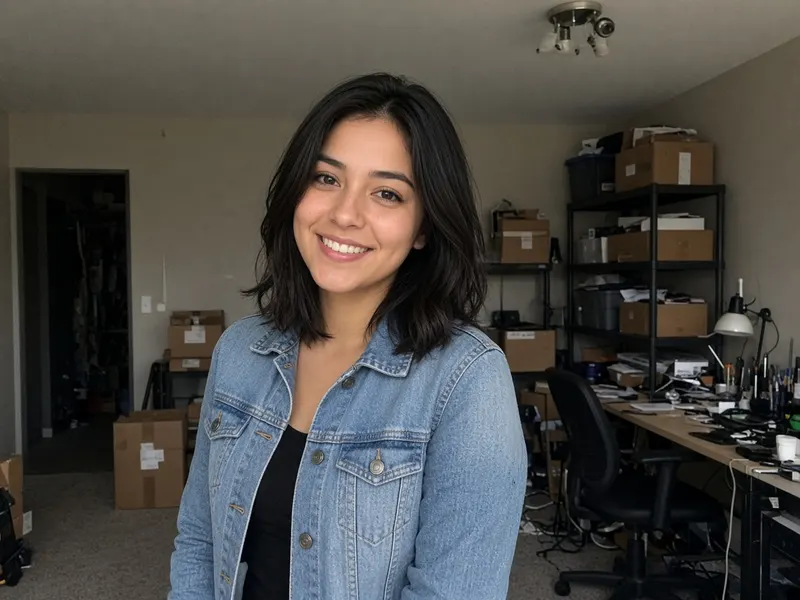
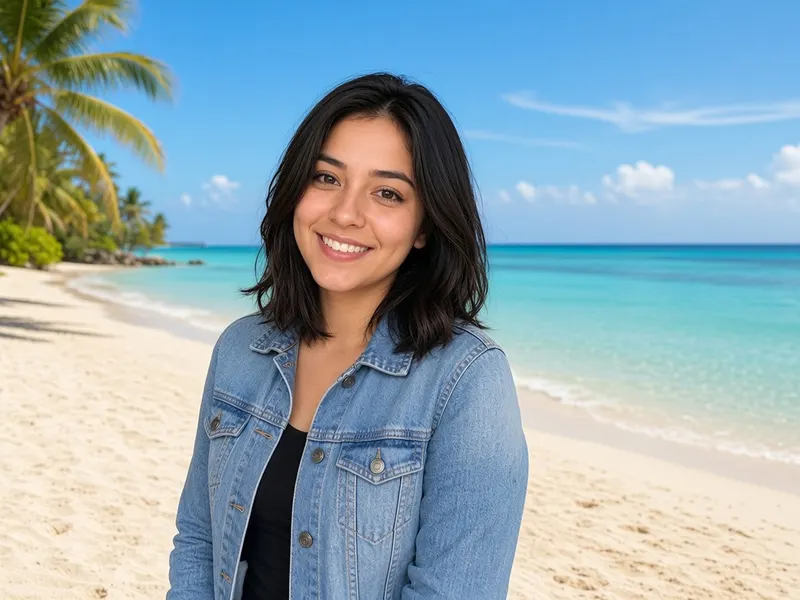
A cluttered storage room is swapped for a sunny tropical beach while the woman stays. Real results vary.
Featured results
Example imagesExample images — generated to show the idea, not real customer results.
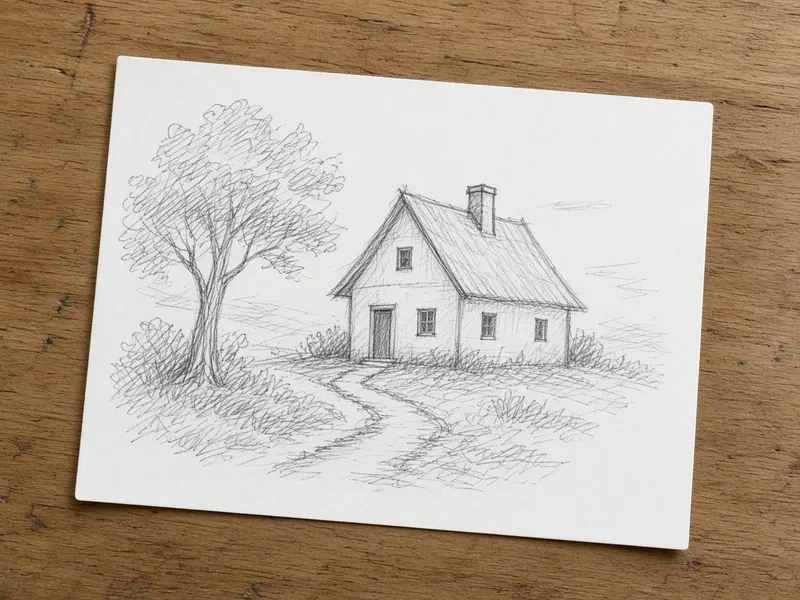
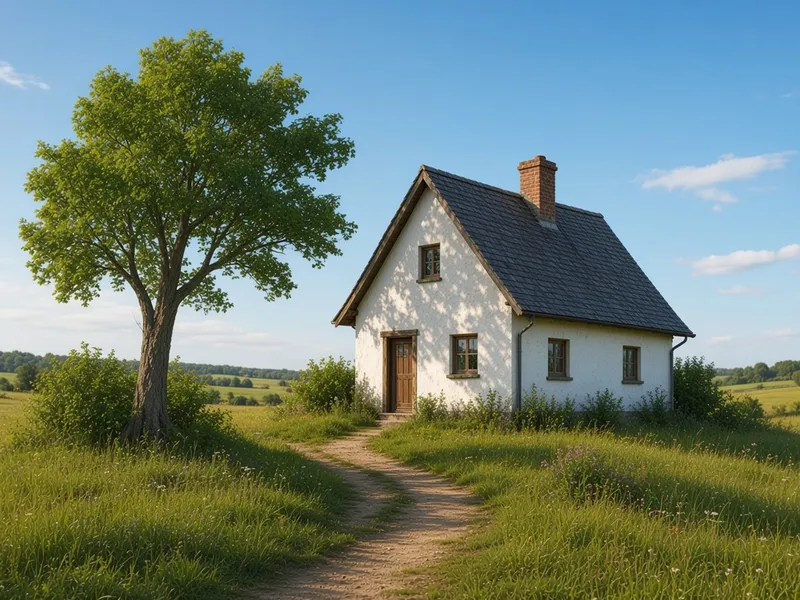
Before → After
Sketch to Image AI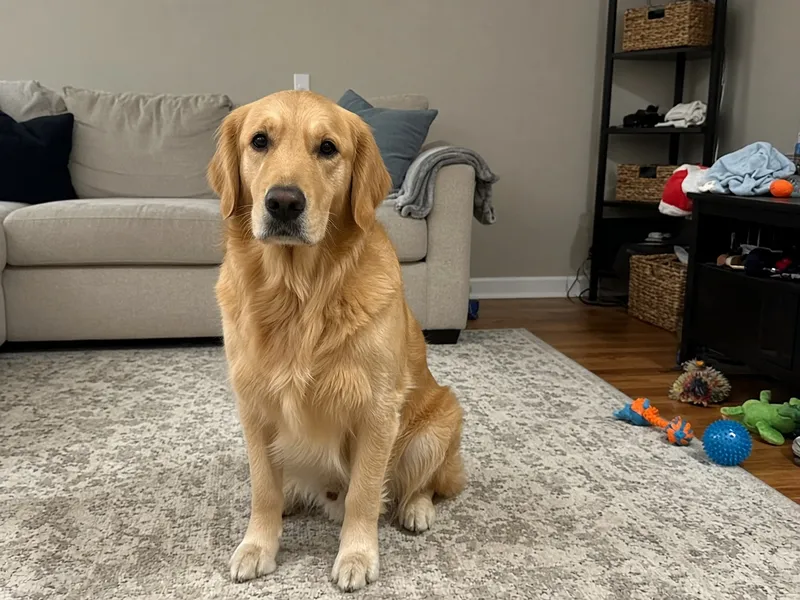
Before → After
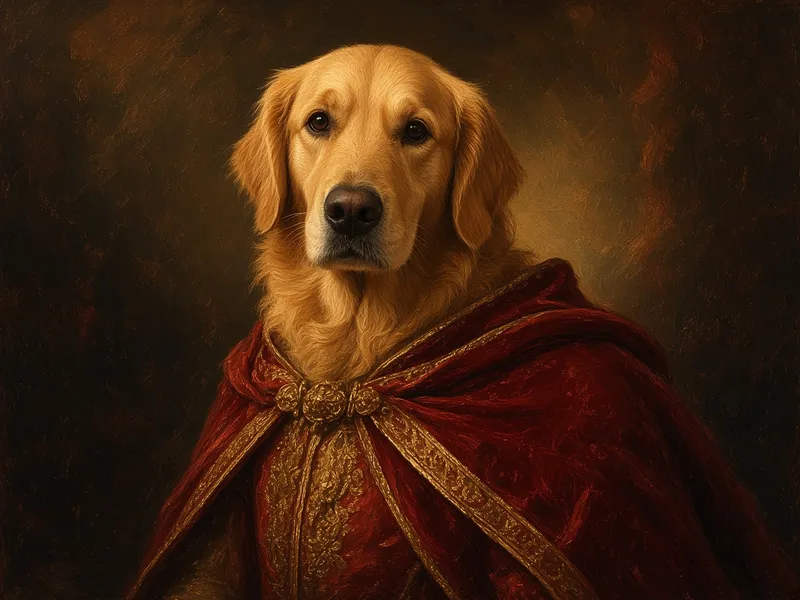
AI Pet Portrait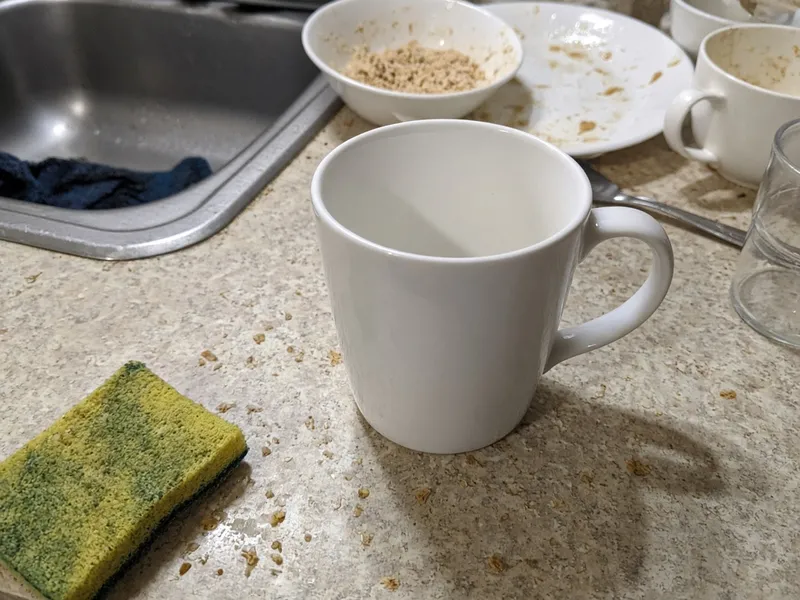
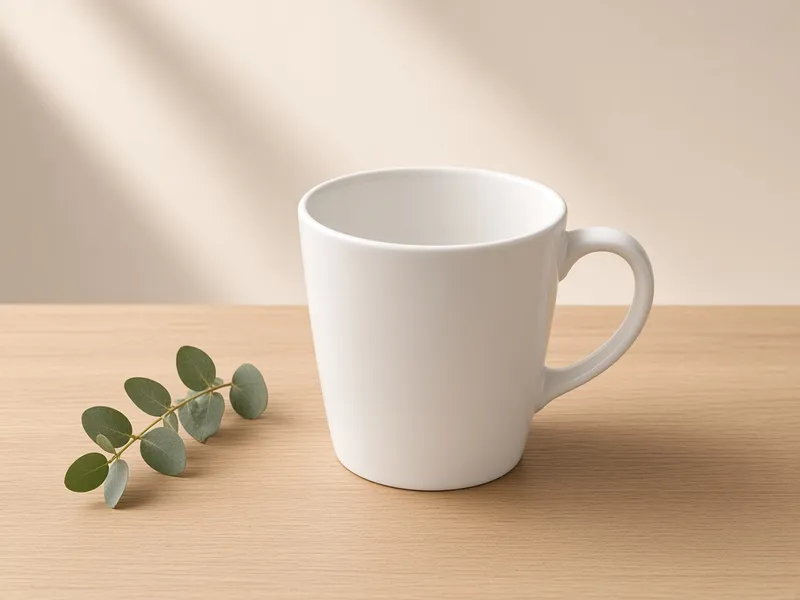
Before → After
AI Product Photo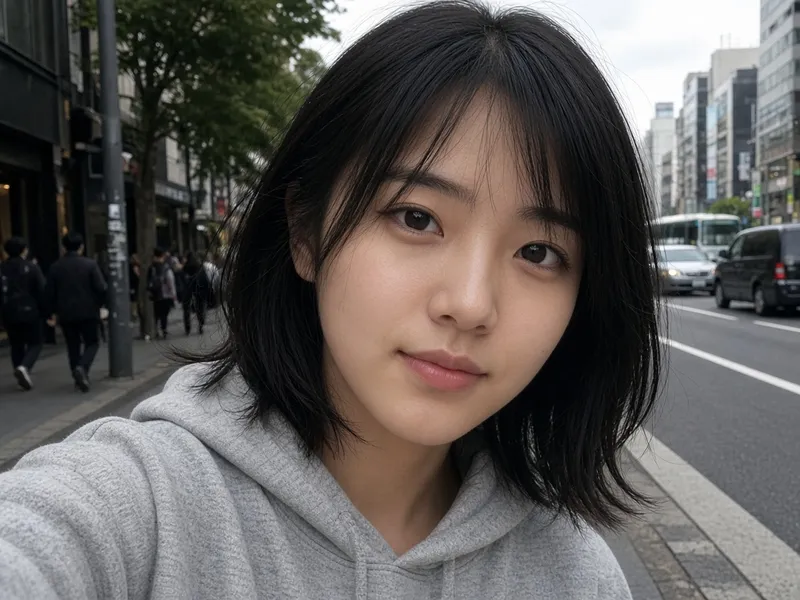

Before → After
AI Headshot Generator
More tools
Frequently asked questions
Does it cut out the subject perfectly?
It does not do a traditional cut-out. The model regenerates the image, so edges blend with the new scene, but fine details like hair can change. A lower strength keeps the subject closer to your original.
Can I add a reference background?
Yes. Upload it as a reference image and mention it in your prompt.
What resolution is the result?
It depends on the model and is not fixed by ImgRestyle. Check the downloaded file if you need a specific size.
Is it free?
You get 5 free generations with no sign-up and no credit card. After that you can sign in and use paid credits.