AI Headshot Generator
Turn a casual selfie into a professional-looking headshot.
Part of ImgRestyle's AI image to image. Use the homepage tool for any other edit.
5 free generations. No sign-up. No credit card.
Drag & drop an image here, or use the button below
Best for realistic edits and consistent faces.
5 of 5 free generations left — no sign-up needed
Your result will appear here.
Upload a well-lit selfie, describe the look you want, such as a navy blazer, a plain studio backdrop and soft light, and the AI redraws it as a headshot. It works for profile pictures, team pages and social accounts. The AI generates a new image, so the likeness can drift: compare it with yourself before you use it. It is not suitable for passports or official ID photos, which have strict rules.
How to use AI Headshot Generator
- Step 1
Upload a clear, front-facing selfie with your face well lit (JPG, PNG or WEBP up to 10MB).
- Step 2
Describe the outfit, backdrop and lighting, and say that your face and hairstyle should stay the same.
- Step 3
Generate, check the likeness against yourself, and download the version you like.
Tips for better results
- Face the camera in daylight or soft indoor light. Harsh shadows and heavy filters make the likeness harder to keep.
- Keep the strength medium. Too high and the face may drift; too low and the outfit and background barely change.
- Generate several times. Small differences in the face and expression are normal.
- Do not use the result for passports, visas or other official ID photos.
Example before and after
Example imagesExample images — generated to show the idea, not real customer results.
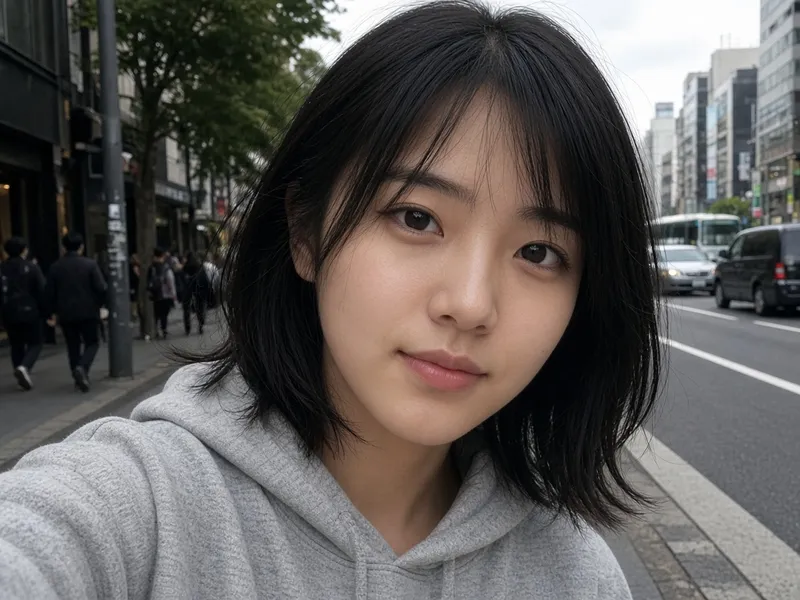
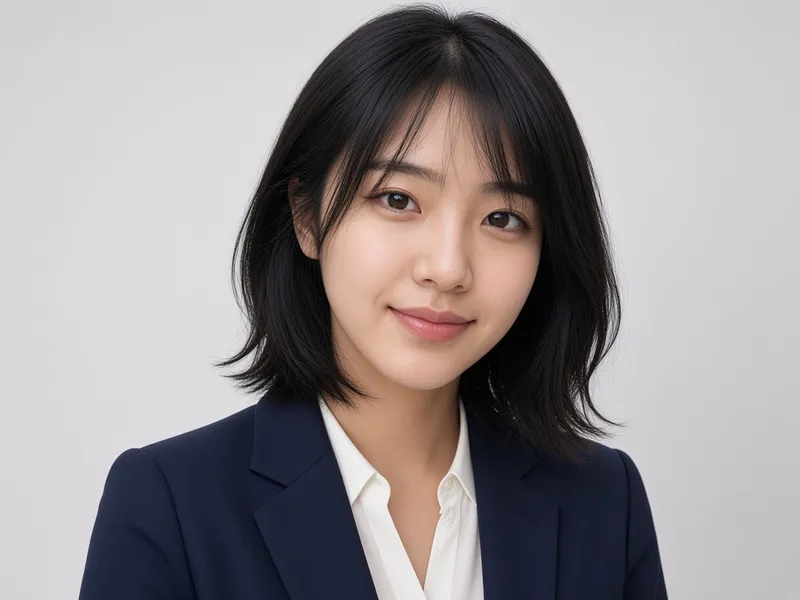
A casual selfie on a busy street becomes a studio headshot in a navy blazer on a light-grey background. Likeness can drift, so always compare with the real person. Real results vary.
Featured results
Example imagesExample images — generated to show the idea, not real customer results.
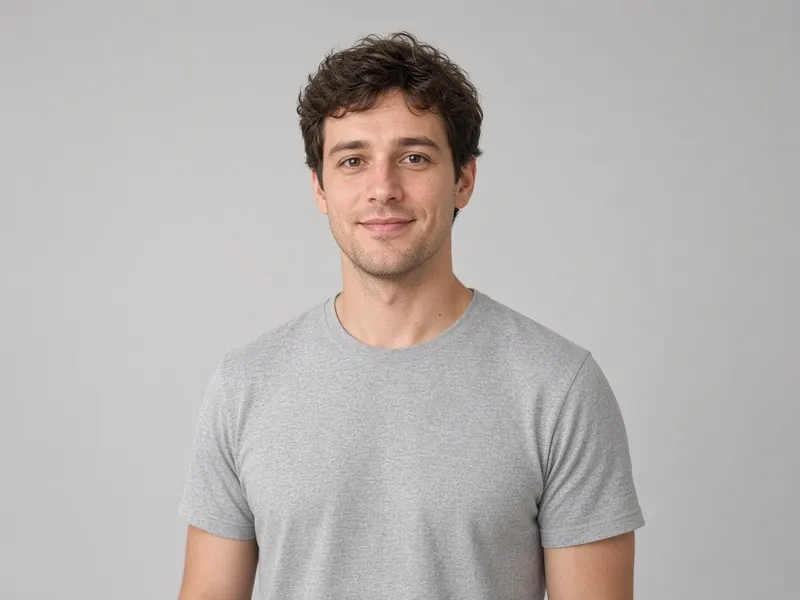
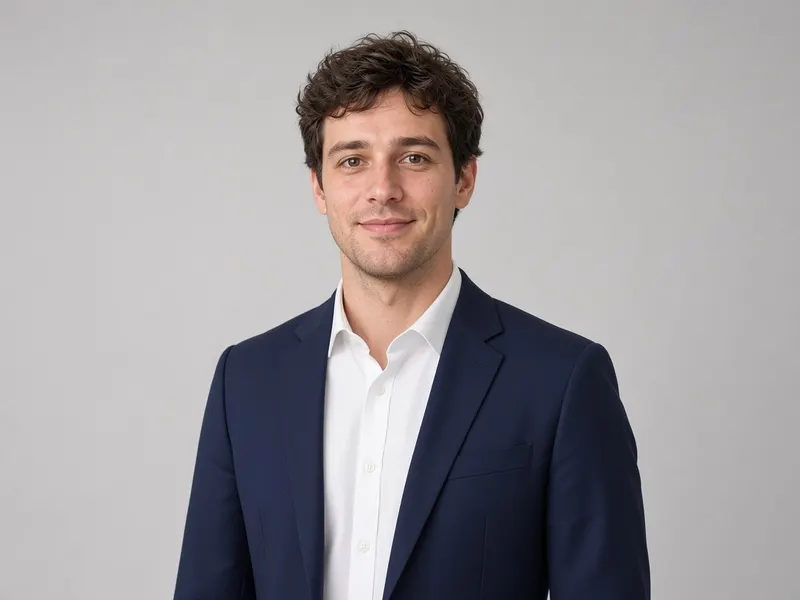
Before → After
AI Clothes Changer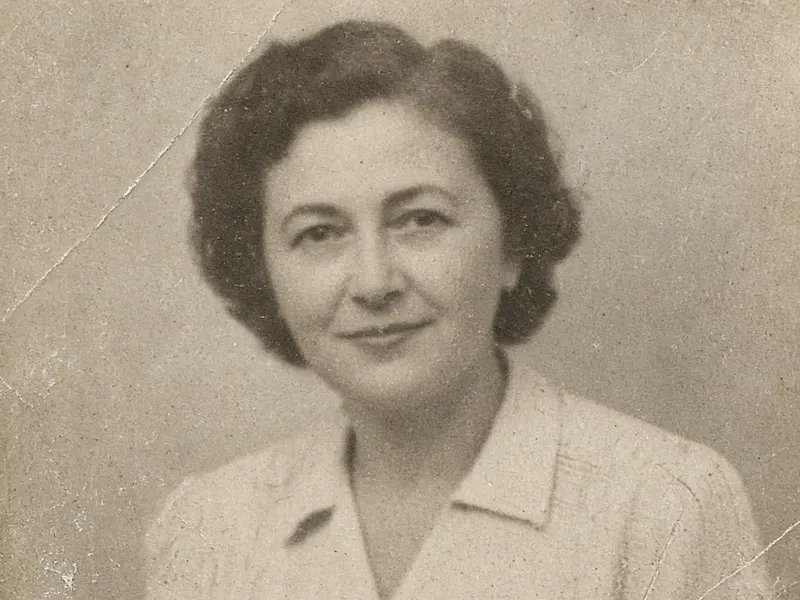
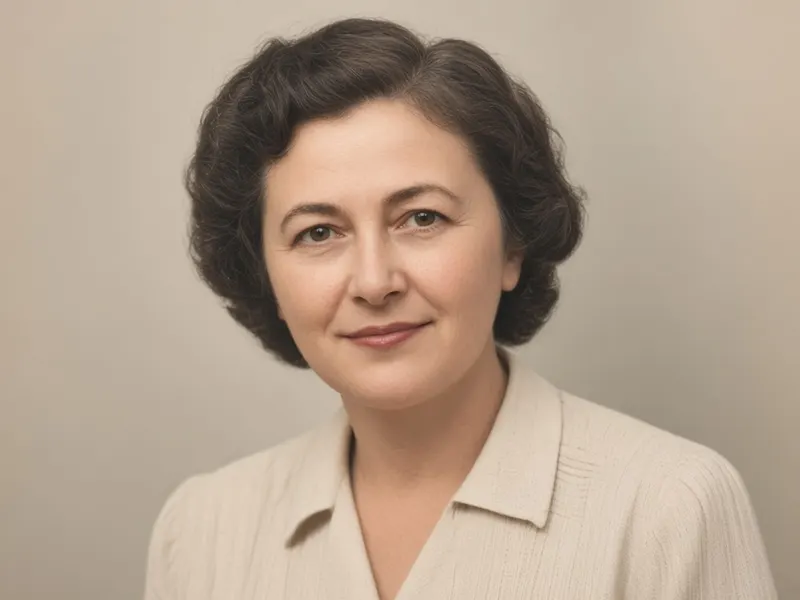
Before → After
Photo Restoration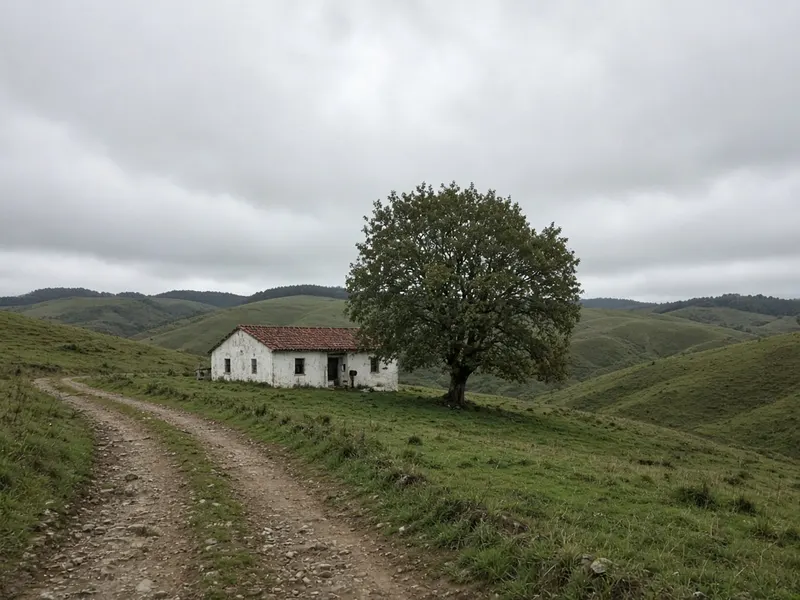
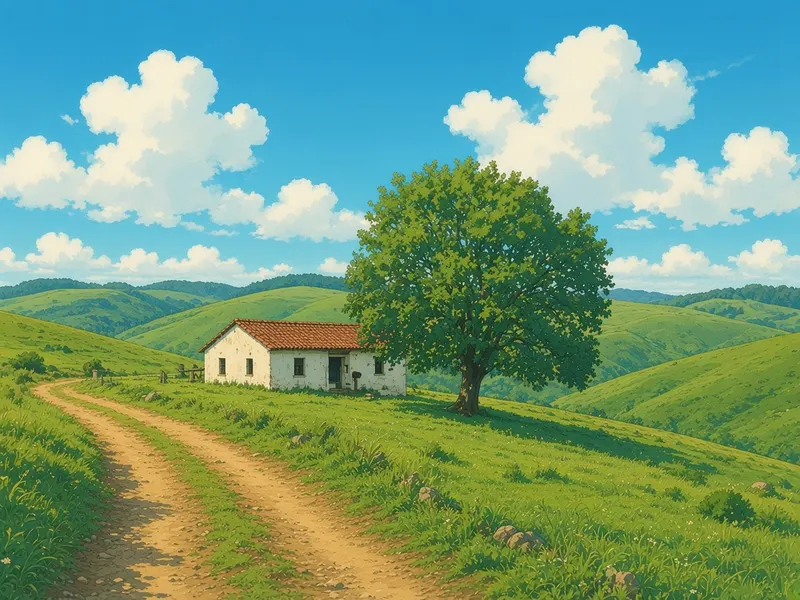
Before → After
Anime Film Style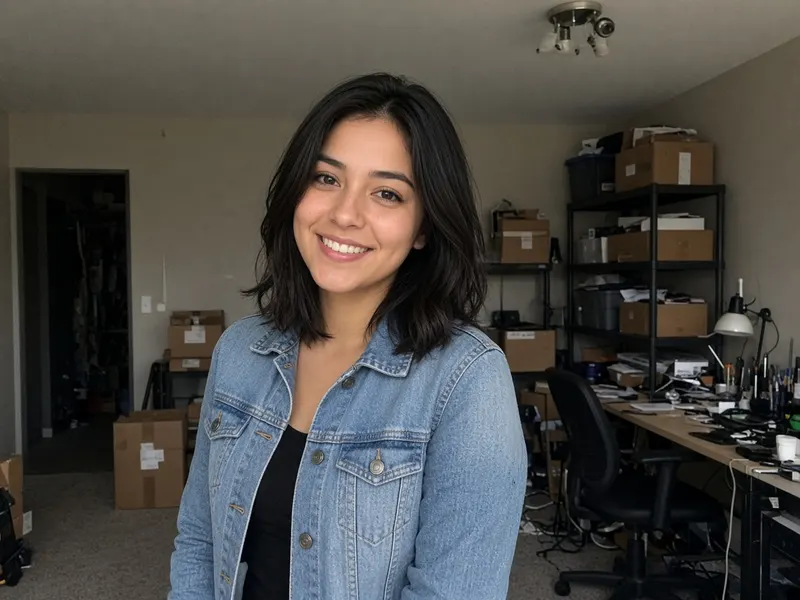
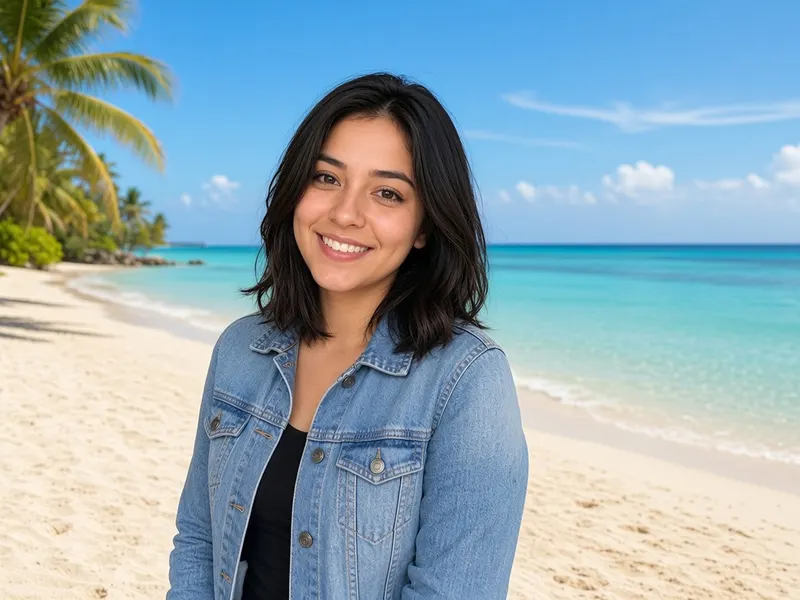
Before → After
Background Replace
More tools
Frequently asked questions
Will it look like me?
It tries to, but nothing is guaranteed. The AI generates a new image, so facial details can drift. Mention that your face and hairstyle should stay the same, use a medium strength and compare with yourself.
Can I use it for a passport or ID photo?
No. Official photos have strict rules and must be an unedited, accurate likeness. This tool is for informal uses such as social profiles.
Can I change the outfit and background?
Yes. Describe the clothes, the backdrop colour and the lighting in the prompt.
Is it free?
You get 5 free generations with no sign-up and no credit card. After that you can sign in and use paid credits.