AI Clothes Changer
Describe a new outfit and see it on your photo.
Part of ImgRestyle's AI image to image. Use the homepage tool for any other edit.
5 free generations. No sign-up. No credit card.
Drag & drop an image here, or use the button below
Best for realistic edits and consistent faces.
5 of 5 free generations left — no sign-up needed
Your result will appear here.
Upload a photo, describe the outfit you want to see, and the AI redraws the clothing while trying to keep the person, pose and background. It is a quick way to preview a style, mock up a product shot or just experiment. Results are AI-generated and can vary, so try a few generations.
How to use AI Clothes Changer
- Step 1
Upload a clear photo where the clothes you want to change are fully visible (JPG, PNG or WEBP up to 10MB).
- Step 2
Describe the outfit: colour, garment type and fabric. Add that the face, pose and background should stay unchanged.
- Step 3
Generate, compare with your original, and download the version you like.
Tips for better results
- Be specific: "a dark green wool coat with a cream scarf" works better than "something warm".
- Start with a medium strength. If the face or pose drifts, lower it; if the clothes barely change, raise it.
- Add up to 3 reference images, such as a photo of the garment, and mention them in your prompt.
- Good lighting and a plain pose give the model less to guess. Hands and fine patterns can still come out imperfect.
Example before and after
Example imagesExample images — generated to show the idea, not real customer results.
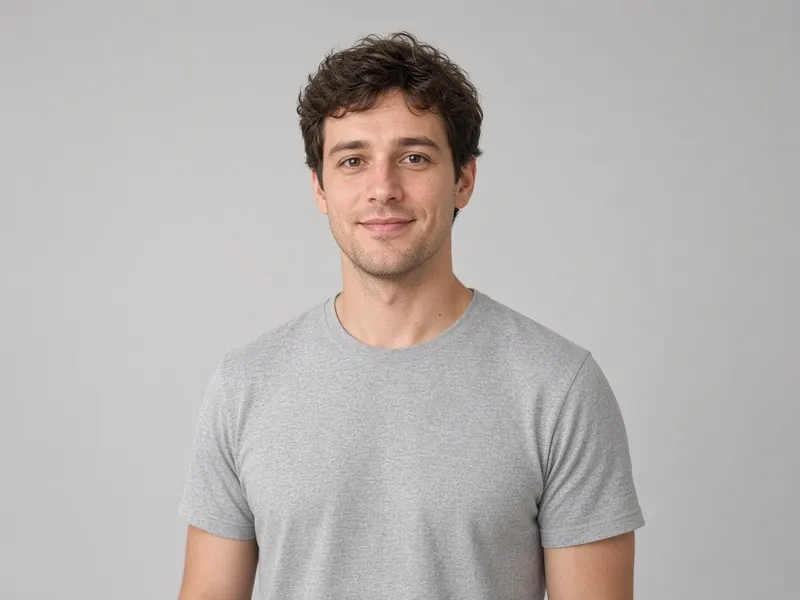

A grey t-shirt becomes a navy blazer over a white shirt. The person, pose and studio stay the same; only the clothing changes.
Featured results
Example imagesExample images — generated to show the idea, not real customer results.
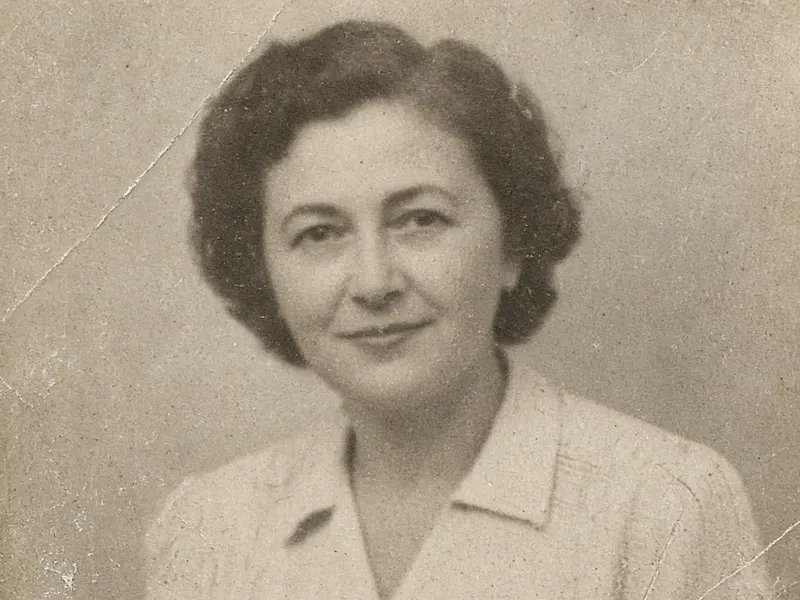
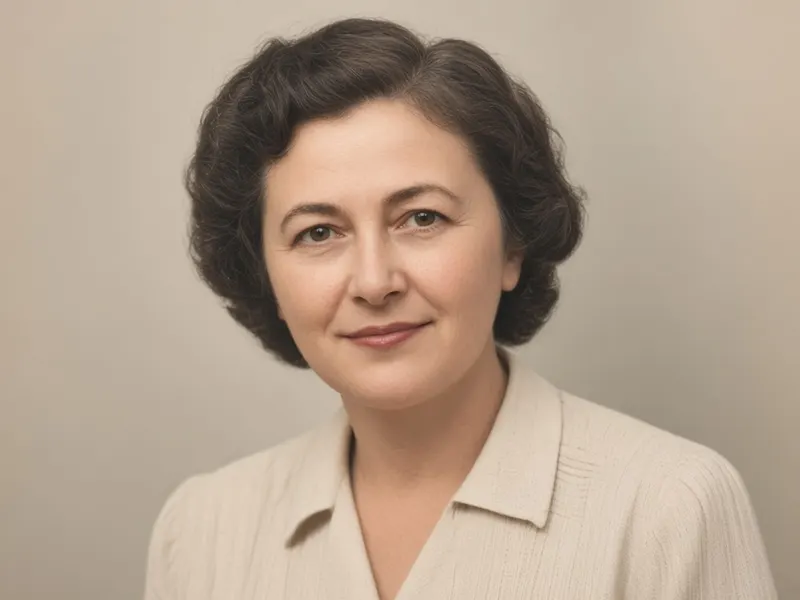
Before → After
Photo Restoration
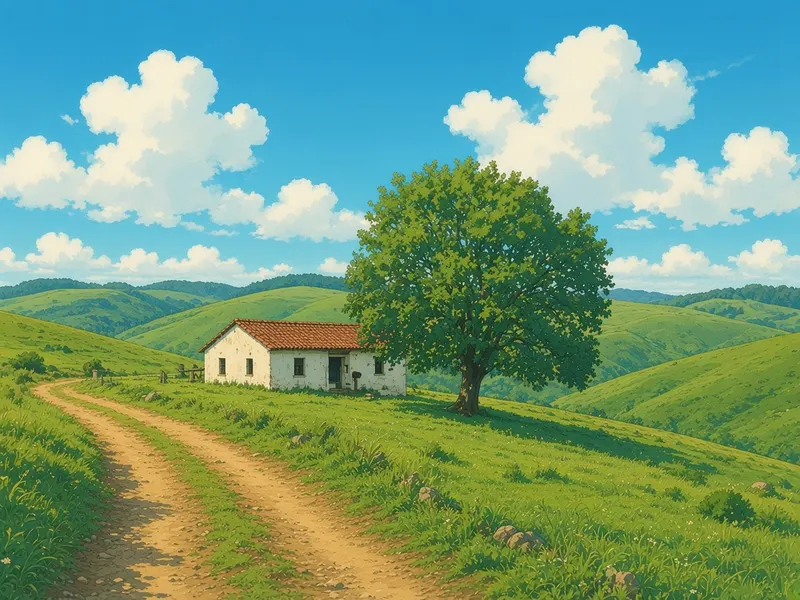
Before → After
Anime Film Style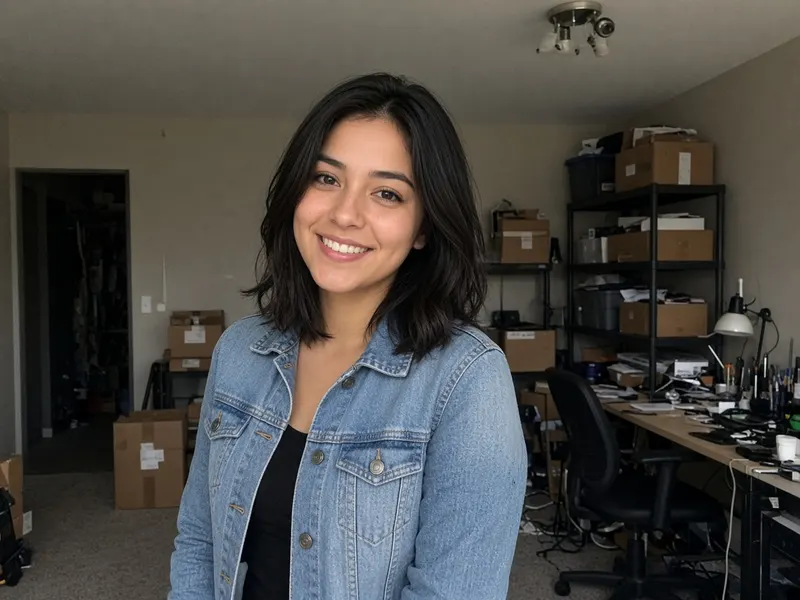
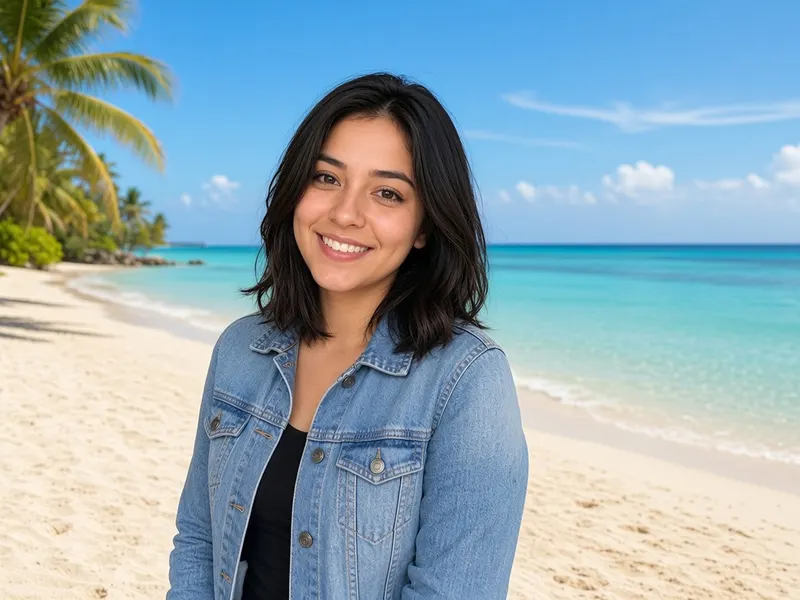
Before → After
Background Replace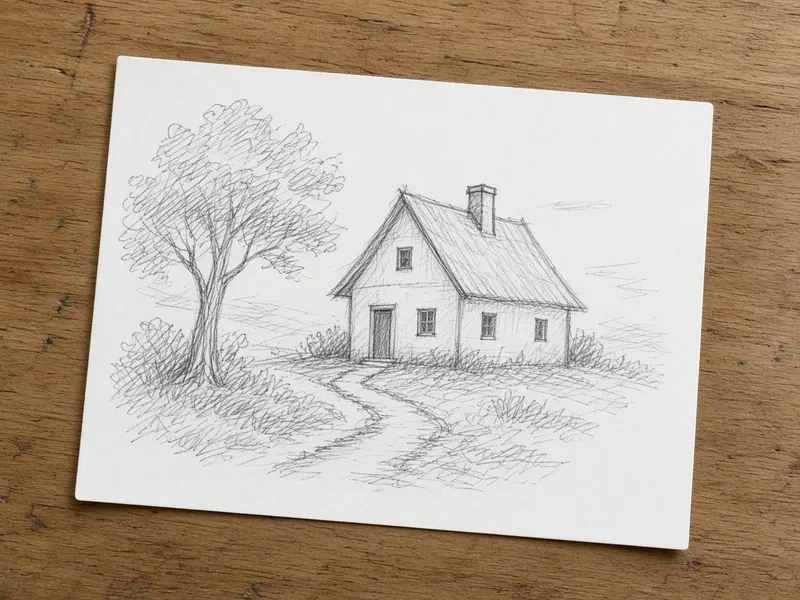
Before → After
Sketch to Image AI
More tools
Frequently asked questions
Will the AI keep my face and pose?
It tries to, but nothing is guaranteed. Mention in your prompt that the face, pose and background should stay unchanged, and use a lower strength to stay closer to the original. If the result drifts, generate again or try another model.
Can I use a photo of a garment as a reference?
Yes. You can add up to 3 reference images next to your main photo. Refer to them in the prompt, for example "dress the person in the jacket from the reference image".
Is this a virtual try-on for shopping?
No. It is a general image to image editor that redraws clothing from your description. It does not know real sizes or how a specific item fits.
Is it free?
You get 5 free generations with no sign-up and no credit card. After that you can sign in and use paid credits. See the pricing page for current prices.