Free AI Image to Image Generator
ImgRestyle is an AI image to image tool: upload a photo, describe what should change, and set how strongly the AI may transform it. Choose between three AI models and compare results.
5 free generations. No sign-up. No credit card.
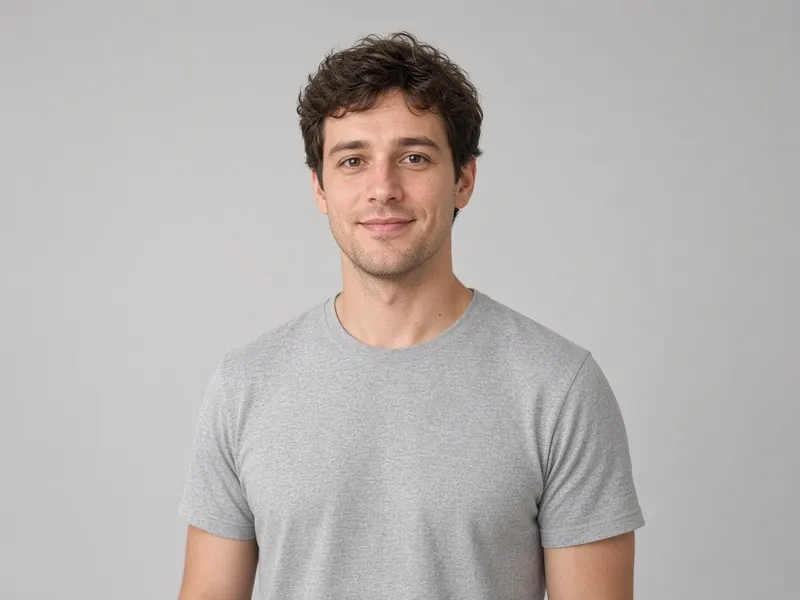
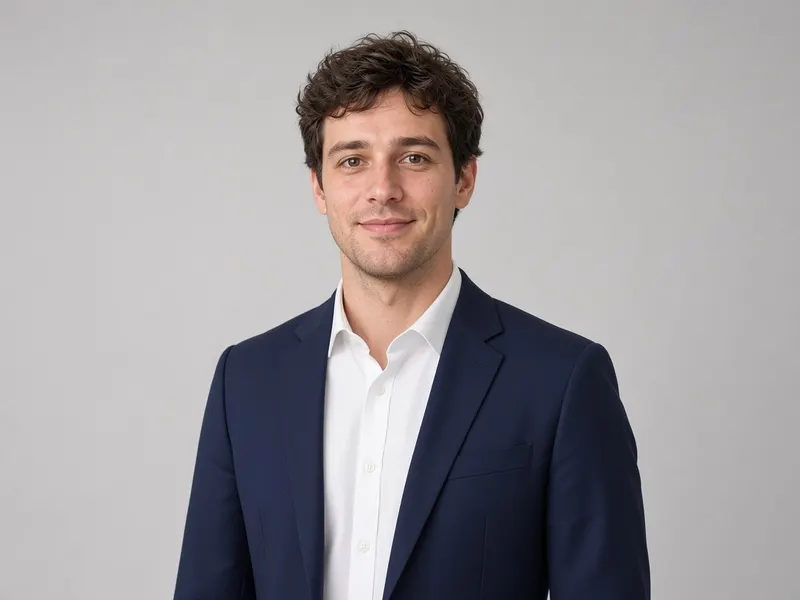
How AI image to image works
- Step 1
Upload your image
Drop a JPG, PNG or WEBP up to 10MB. Add up to 3 reference images if you like.
- Step 2
Describe and tune
Write what you want, choose a model and set the strength from subtle to strong.
- Step 3
Generate and download
Download your new image or use it as the input for another round.
What you can do
Restyle / AI style transfer
Repaint any photo as watercolor, anime, cinematic and more.
AI Clothes Changer
Describe a new outfit and see it on your photo.
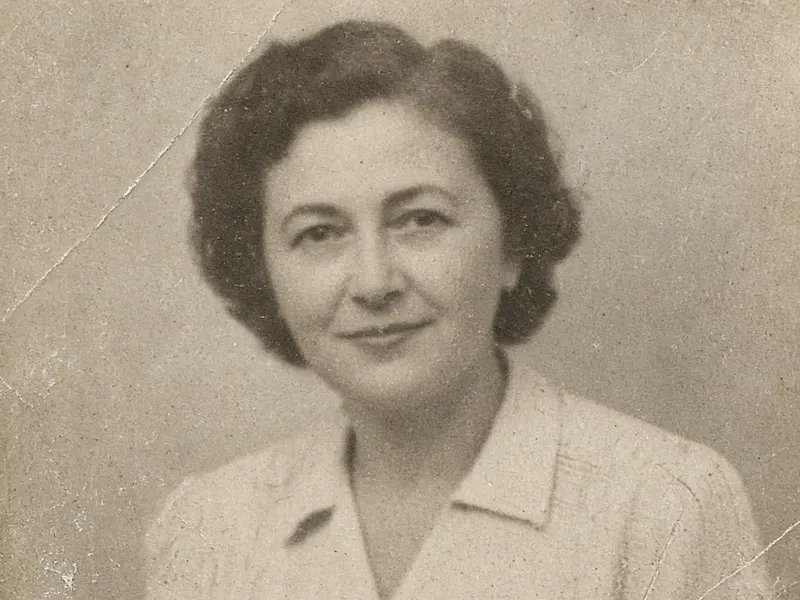
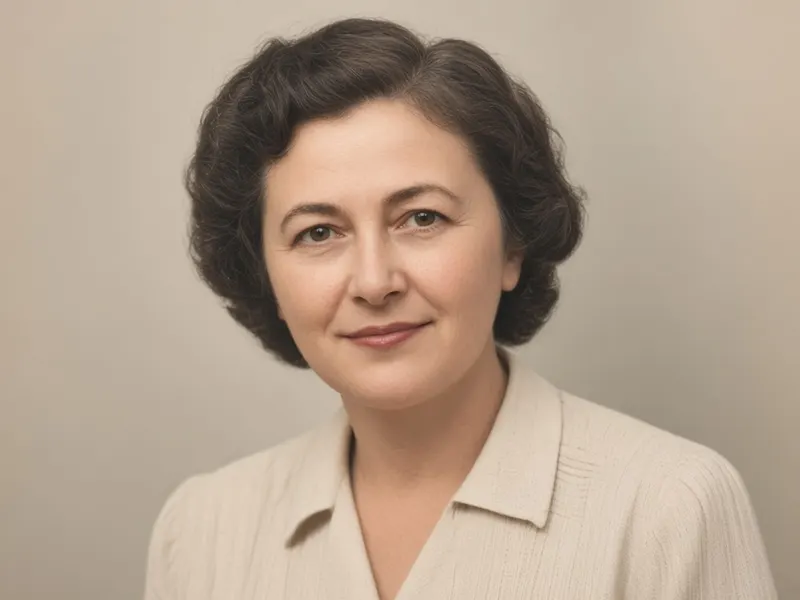
Photo Restoration
Clean up scratches, noise and faded colour in old photos.
Anime Film Style
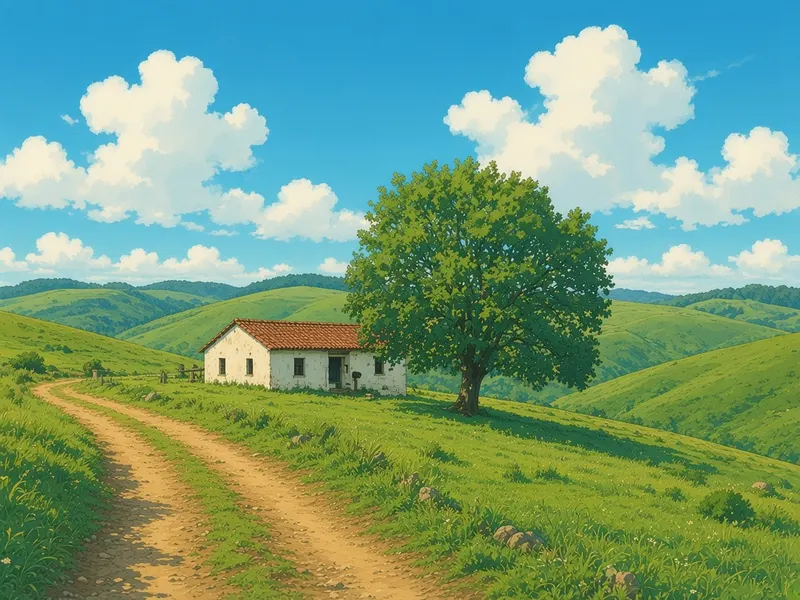
Redraw photos in a soft, hand-drawn anime film look.
Background Replace
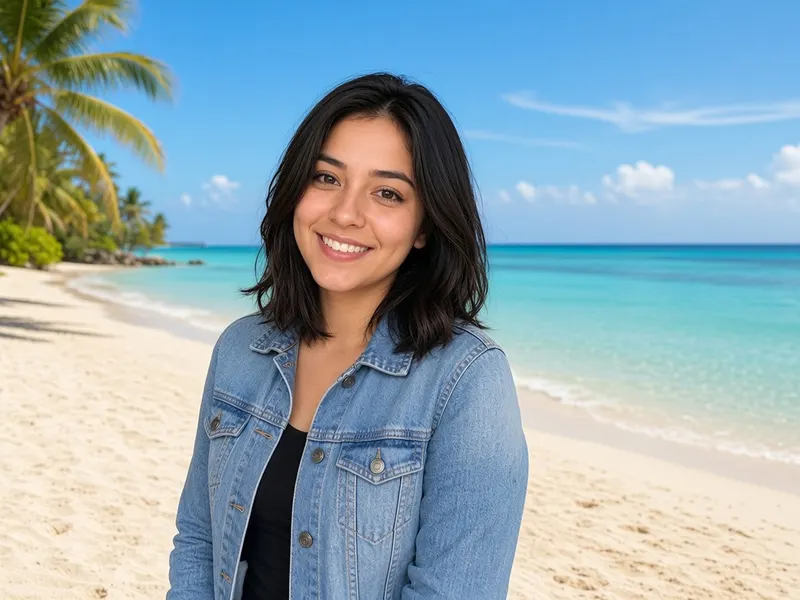
Describe a new scene and keep your subject.
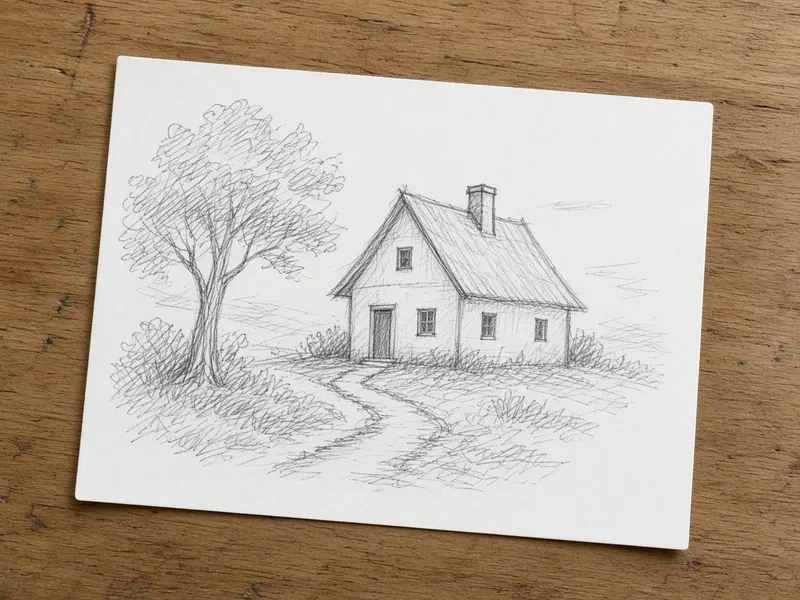
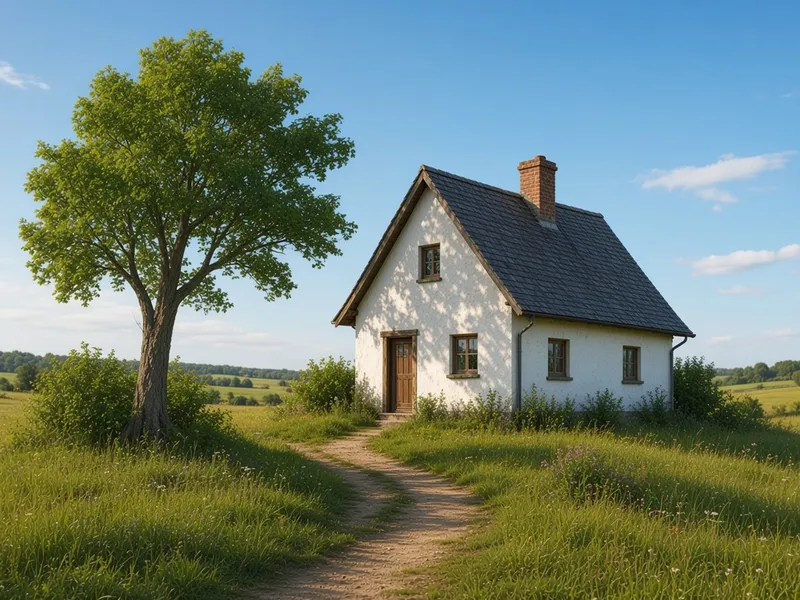
Sketch to Image AI
Turn a pencil sketch or drawing into a realistic or coloured picture.
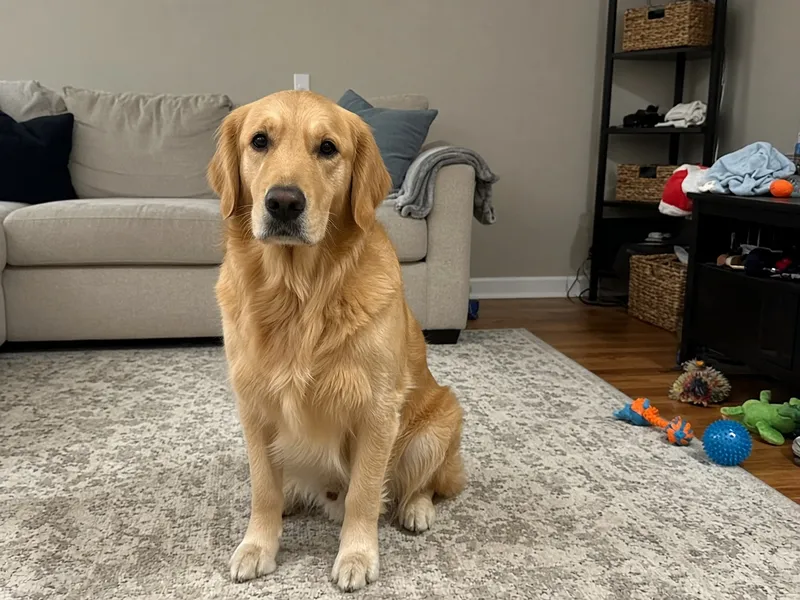
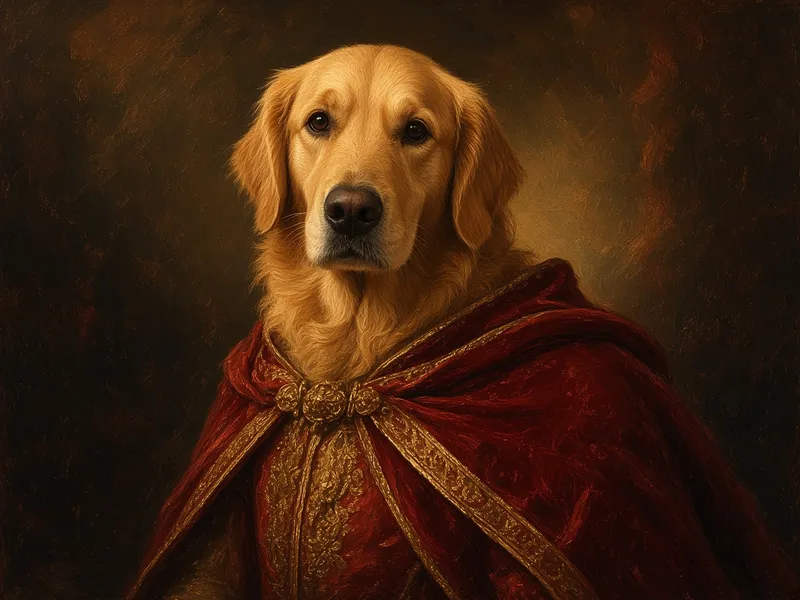
AI Pet Portrait
Turn a pet photo into a painted or royal-style portrait.
AI Product Photo
Clean up product shots with a new surface, backdrop and lighting.
AI Headshot Generator
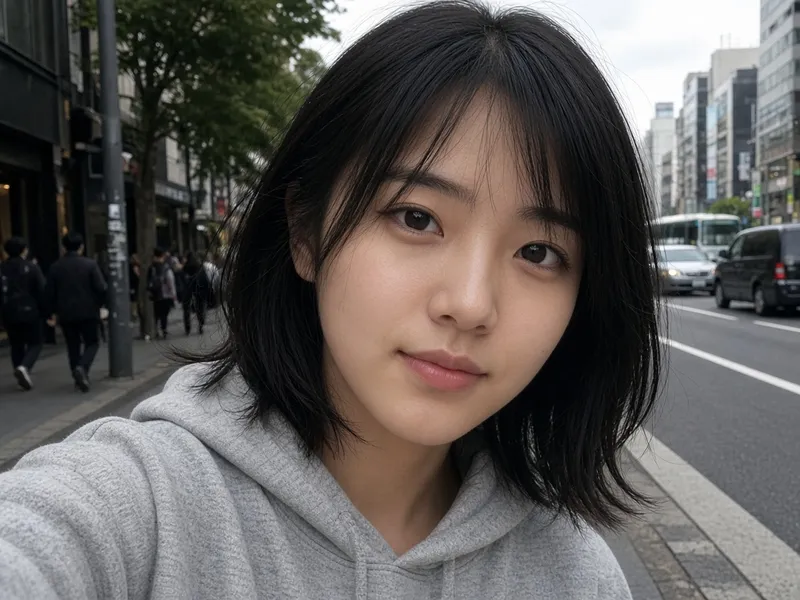
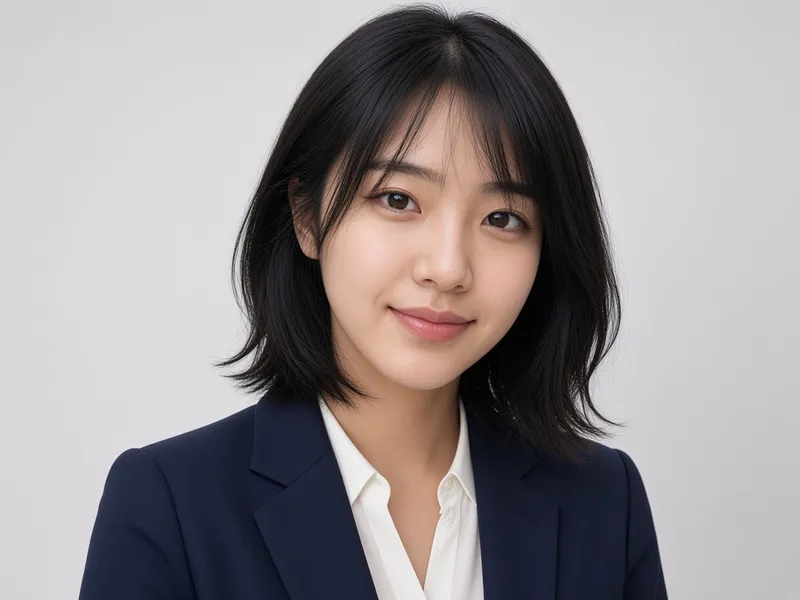
Turn a casual selfie into a professional-looking headshot.
Featured results
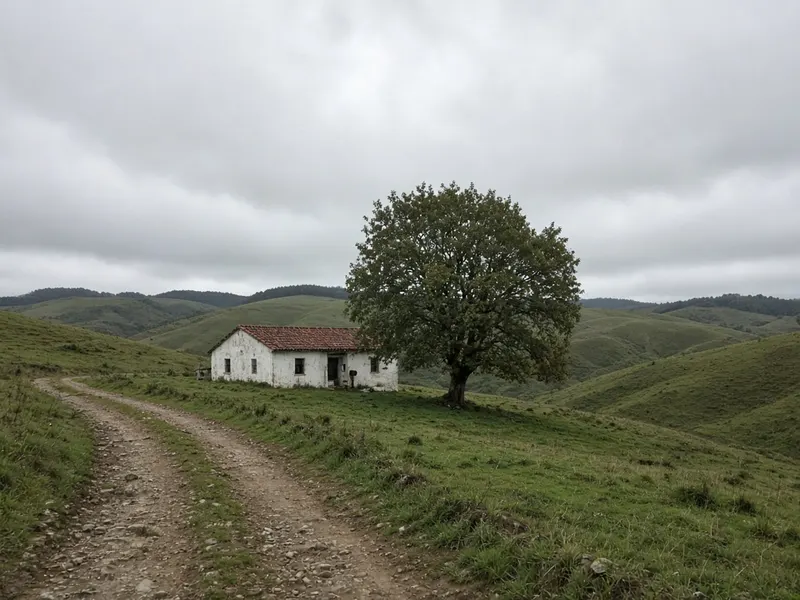
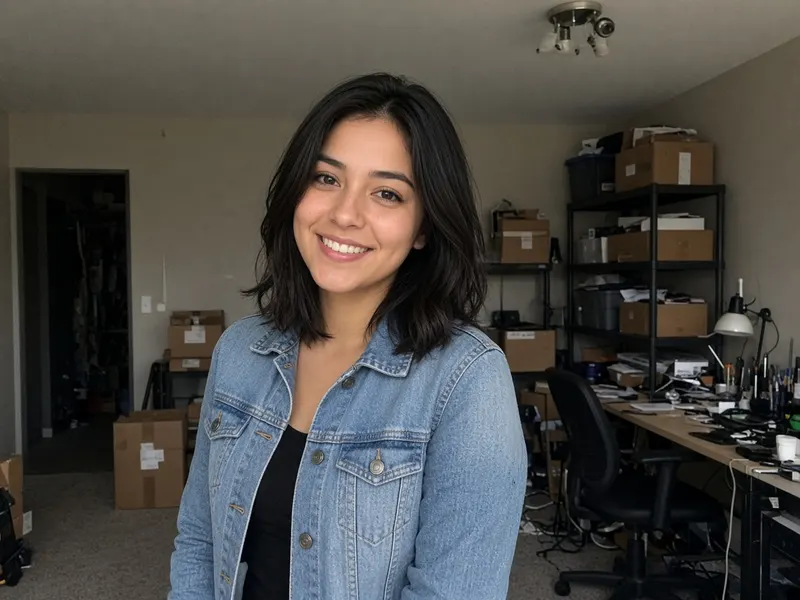
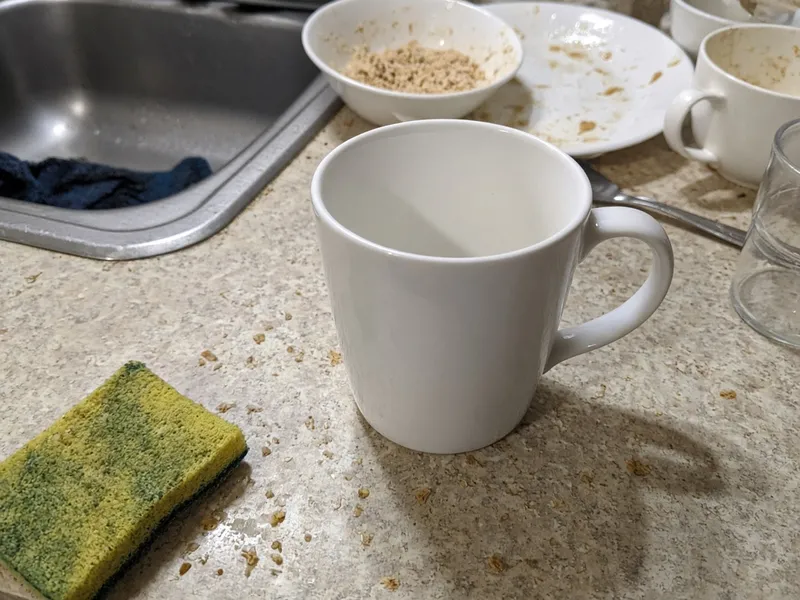
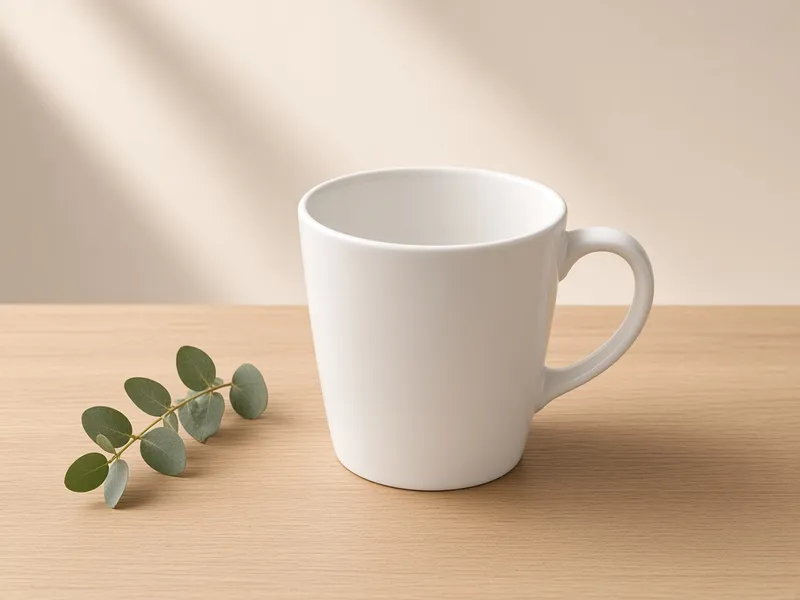
Example imagesExample images — generated to show the idea, not real customer results.
Latest AI image models in one place
Nano Banana Pro
Best for realistic edits and consistent faces.
2 credits per image
GPT Image 2
Strong prompt understanding and text in images.
3 credits per image
Seedream 5
Fast and vivid, great for stylized looks.
2 credits per image
Frequently asked questions
Is ImgRestyle free?
You get 5 free generations with no sign-up and no credit card. After that you can sign in and buy credits. Credit packs do not expire; monthly plan credits are granted each billing period and do not roll over. See the pricing page for current prices.
What is AI image to image?
AI image to image means starting from an existing picture instead of a blank prompt. You upload a photo, describe the change you want, and the AI generates a new image based on it. Results are generated, so details can differ from your original.
Which AI models can I use?
You can choose between Nano Banana Pro, GPT Image 2 and Seedream 5. They use different amounts of credits per image and interpret prompts differently, so try the same photo with more than one model.
What is the maximum upload size?
Each image can be up to 10MB in JPG, PNG or WEBP format. You can also add up to 3 extra reference images.
What does the strength slider do?
Strength controls how far the result may move away from your original. Low values aim for subtle edits, high values reinterpret the image more boldly. It guides the model rather than guaranteeing an exact result.
Do you store my images?
Images and prompts are sent to our AI provider (fal.ai) only to create your result. They are processed under the provider's own terms, and we do not use your images to train models. We do not save your uploads or results on our own servers. See the privacy policy for details.
Can I use the results commercially?
Our terms say you keep the rights to your uploads and, subject to those rights and the terms of the underlying model providers, may use generated images for personal and commercial projects. Only upload images you have the right to use.
Can I get a refund?
Credits that have already been used are not refundable. Unused credit packs can be refunded within 7 days of purchase, and if a generation fails the credit is returned. See the refund policy.
Simple, transparent pricing
Start free, then pay only for what you use. See all plans
Starter
$9.90
150 credits · never expire
$0.07 per credit
ProMost popular
$29.90
600 credits · never expire
$0.05 per credit
Max
$79.90
2000 credits · never expire
$0.04 per credit