AI Product Photo
Clean up product shots with a new surface, backdrop and lighting.
Part of ImgRestyle's AI image to image. Use the homepage tool for any other edit.
5 free generations. No sign-up. No credit card.
Drag & drop an image here, or use the button below
Best for realistic edits and consistent faces.
5 of 5 free generations left — no sign-up needed
Your result will appear here.
Photograph your product on whatever surface is handy, then describe the setting you want: a clean seamless backdrop, a wooden table, soft studio light or a simple prop. The AI redraws the scene around the product. It is meant for mockups, drafts and listing ideas. Because the image is regenerated, always check that the product's shape, logo and any text are still accurate before you publish it.
How to use AI Product Photo
- Step 1
Upload a sharp photo of the product taken from the angle you want to sell it from (JPG, PNG or WEBP up to 10MB).
- Step 2
Describe the surface, backdrop, lighting and props, and say that the product itself must stay unchanged.
- Step 3
Generate, zoom in on the product's edges, logo and text, and download only a version that is accurate.
Tips for better results
- Use a lower strength for products. It keeps the shape, colour and label closer to the original.
- Describe lighting as well as the backdrop, for example "soft window light from the left, gentle shadow".
- Check small print, logos and fine details. AI can blur, redraw or invent them, so do not rely on them without checking.
- Keep props simple. One or two items look cleaner than a crowded scene.
Example before and after
Example imagesExample images — generated to show the idea, not real customer results.
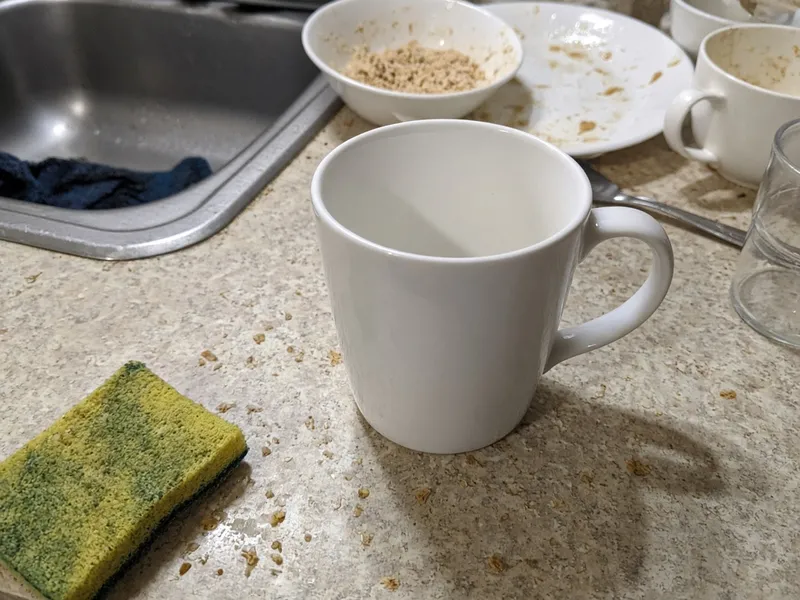
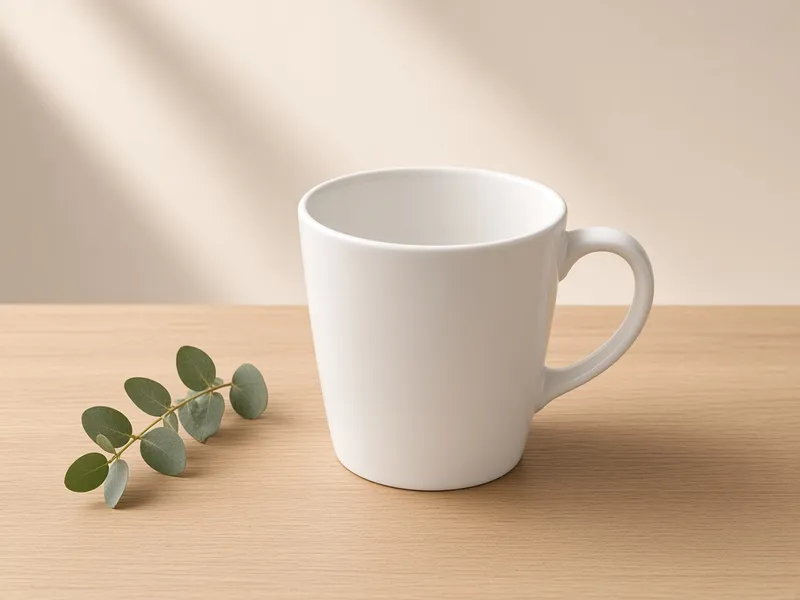
A plain white mug on a messy kitchen counter is placed on a light oak surface with a beige backdrop and soft light. The mug itself is meant to stay the same; always verify the details of your own product.
Featured results
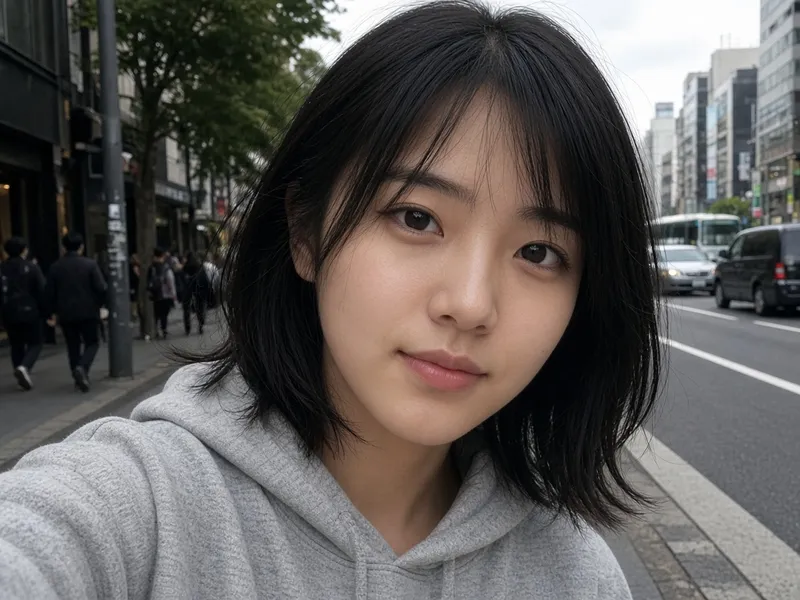
Example imagesExample images — generated to show the idea, not real customer results.

Before → After
AI Headshot Generator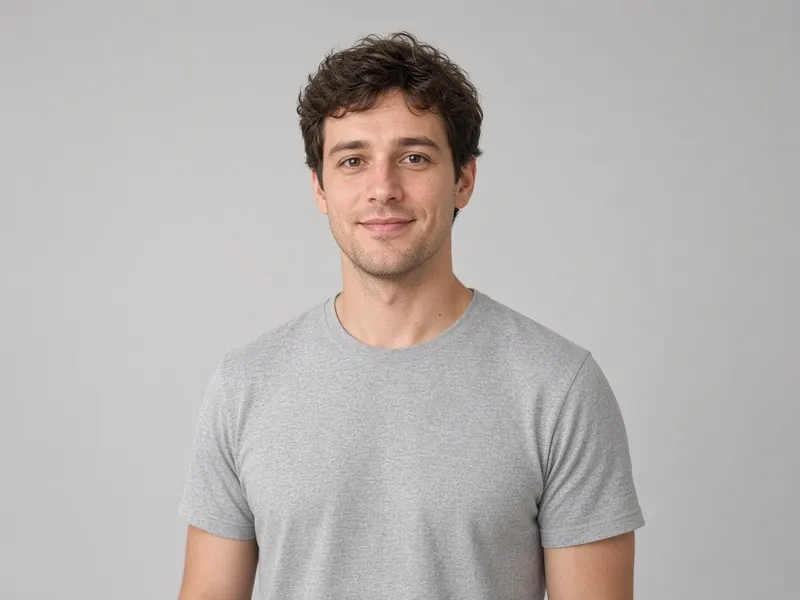

Before → After
AI Clothes Changer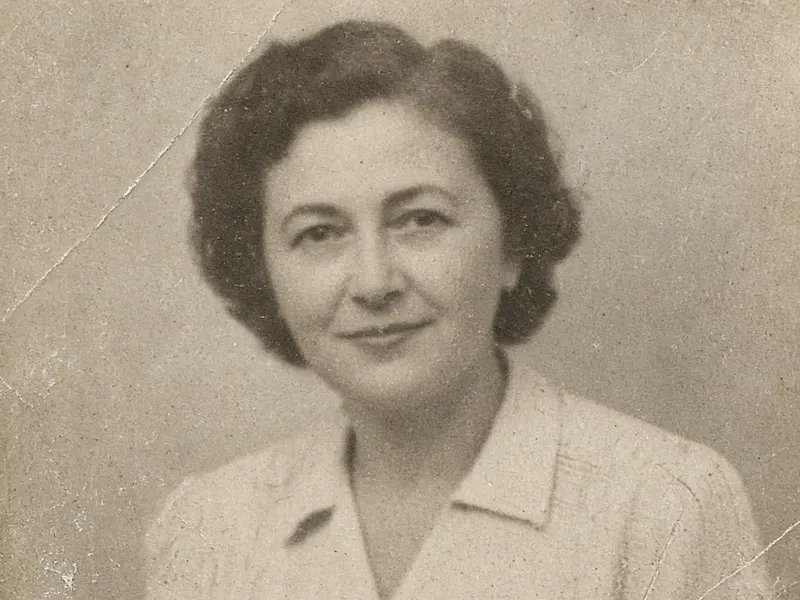
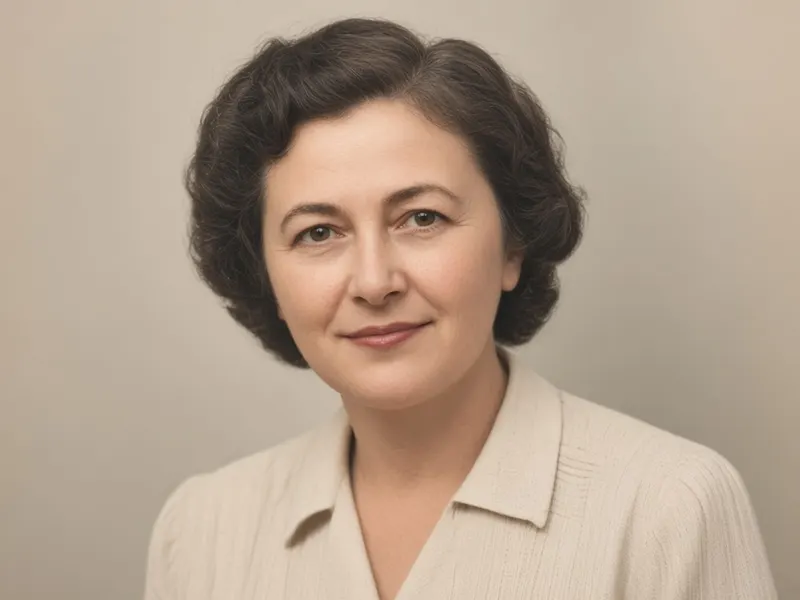
Before → After
Photo Restoration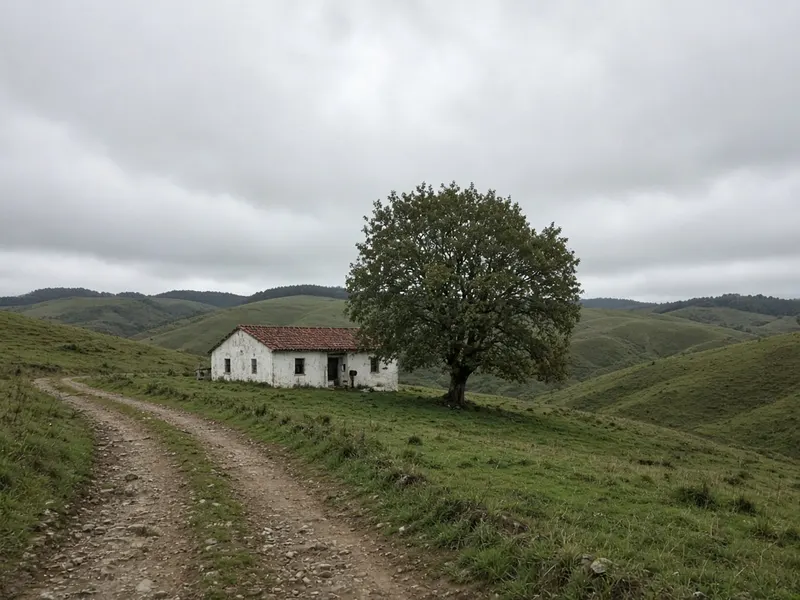
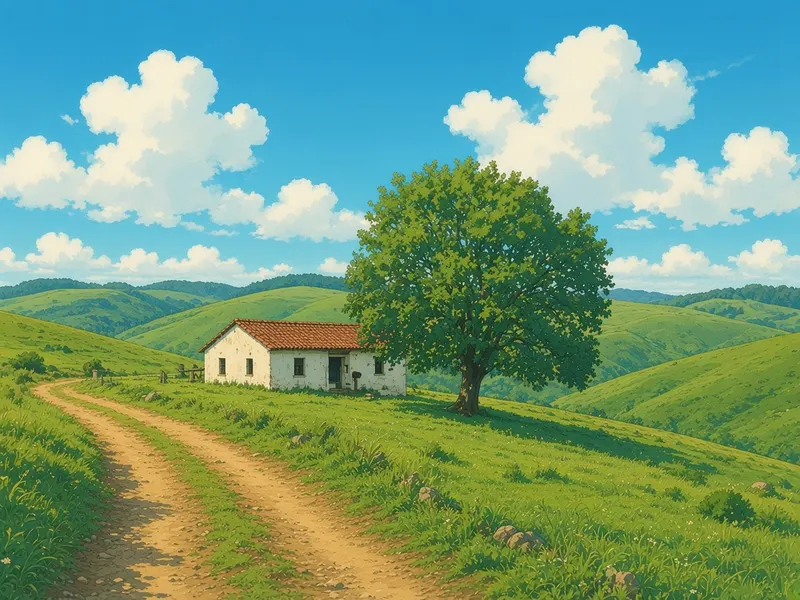
Before → After
Anime Film Style
More tools
Frequently asked questions
Is the product guaranteed to stay accurate?
No. The AI regenerates the whole image, so shape, colour, logos and text can shift. Check every detail before using the picture in a listing, and do not use it where the exact look of the product matters legally.
How is this different from background replace?
Background replace is a general tool for people and scenes. This page is set up for products: surfaces, studio-style lighting and props for listing and mockup images.
Can I use the images in my shop?
You can download the result. You are responsible for checking that it represents your product honestly and complies with the rules of the marketplace you sell on.
Is it free?
You get 5 free generations with no sign-up and no credit card. After that you can sign in and use paid credits.