AI Photo Restoration
Clean up scratches, noise and faded colour in old photos.
Part of ImgRestyle's AI image to image. Use the homepage tool for any other edit.
5 free generations. No sign-up. No credit card.
Drag & drop an image here, or use the button below
Best for realistic edits and consistent faces.
5 of 5 free generations left — no sign-up needed
Your result will appear here.
Scan or photograph an old picture, upload it, and ask the AI to remove scratches, reduce noise and bring back natural colour. Because the AI regenerates the image rather than repairing pixels one by one, small details such as faces can change. Always compare against your original, especially for family photos.
How to use Photo Restoration
- Step 1
Scan the print or photograph it flat in even light, then upload it (JPG, PNG or WEBP up to 10MB).
- Step 2
Keep the strength low so the result stays close to the original, and describe what to fix, such as scratches, noise or fading.
- Step 3
Generate and compare side by side with your original. Keep the original file safe.
Tips for better results
- A higher-resolution scan gives the model more to work with than a small phone snapshot taken at an angle.
- Low strength is the safe starting point. Increase it only if damage remains.
- To add colour to a black and white photo, include "colorize with natural tones" in the prompt.
- Zoom in on faces. AI restoration can invent detail, so it may not match how the person really looked.
Example before and after
Example imagesExample images — generated to show the idea, not real customer results.
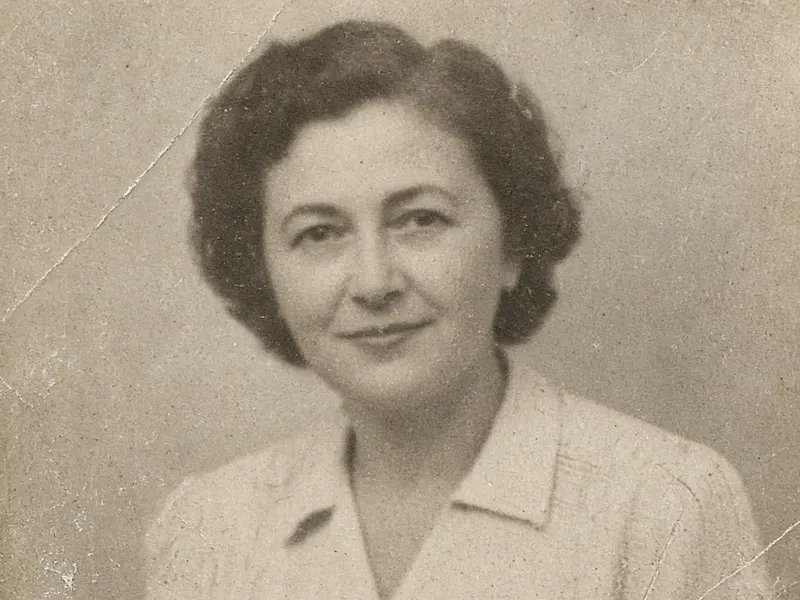
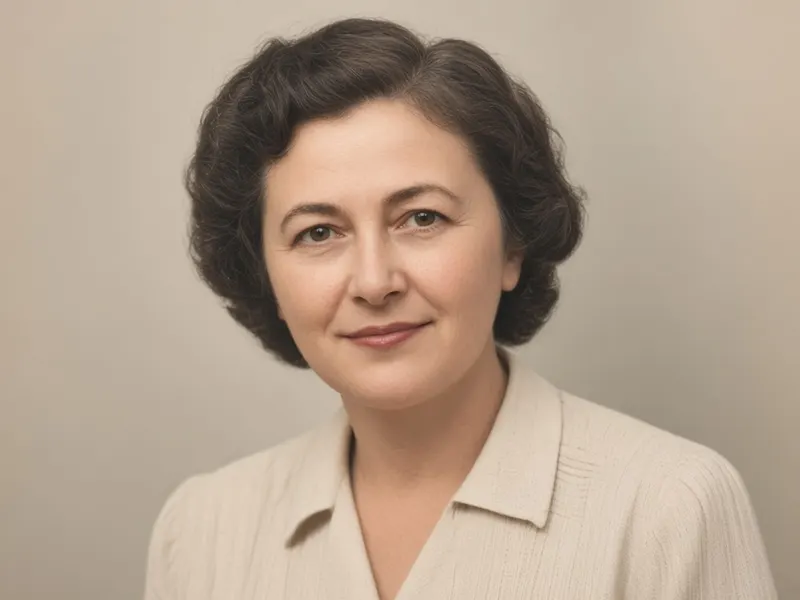
A faded, scratched 1950s portrait becomes clean, sharp and natural in colour. Real results depend on your photo and the model.
Featured results
Example imagesExample images — generated to show the idea, not real customer results.
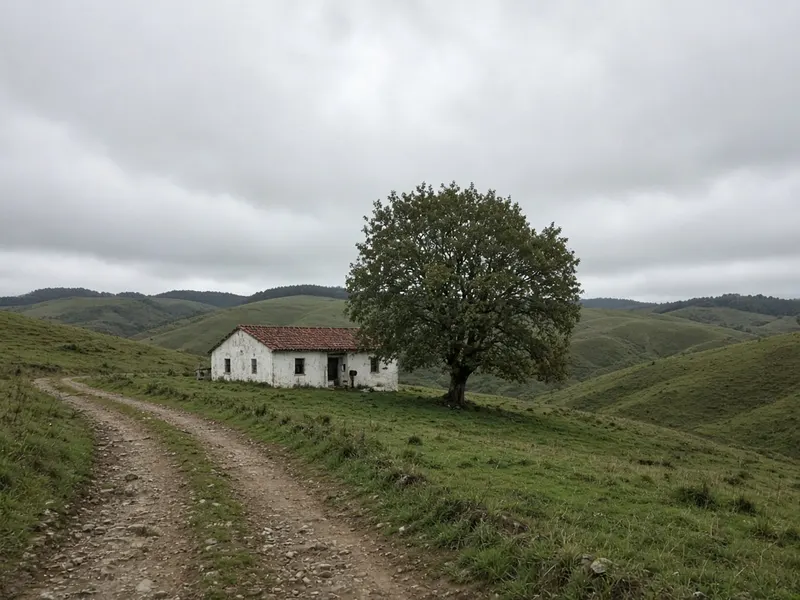
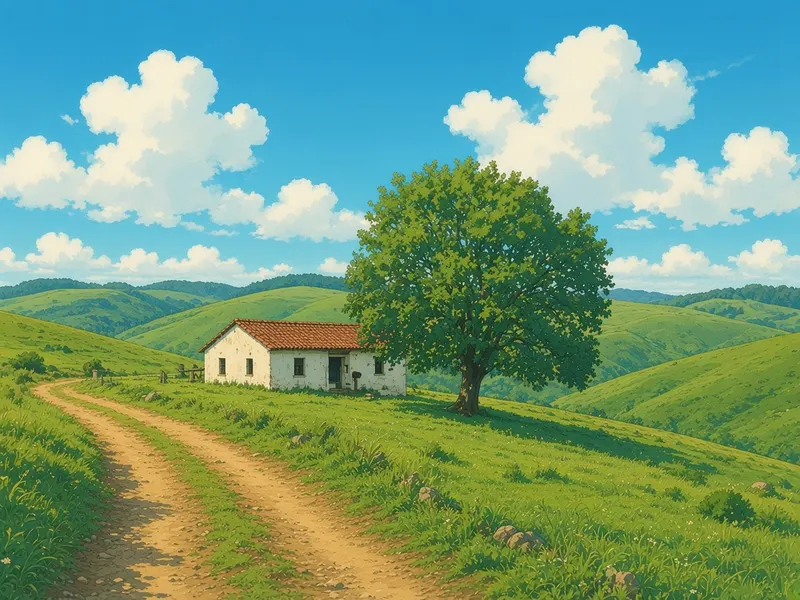
Before → After
Anime Film Style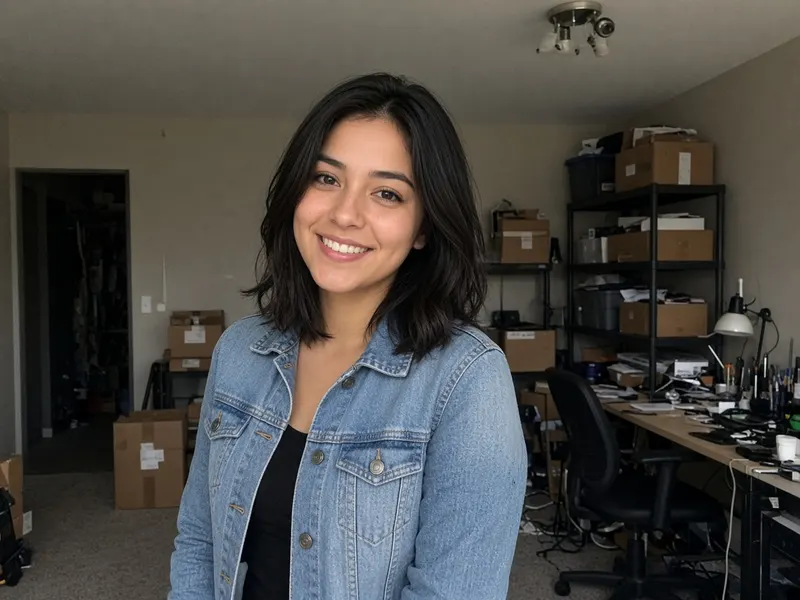
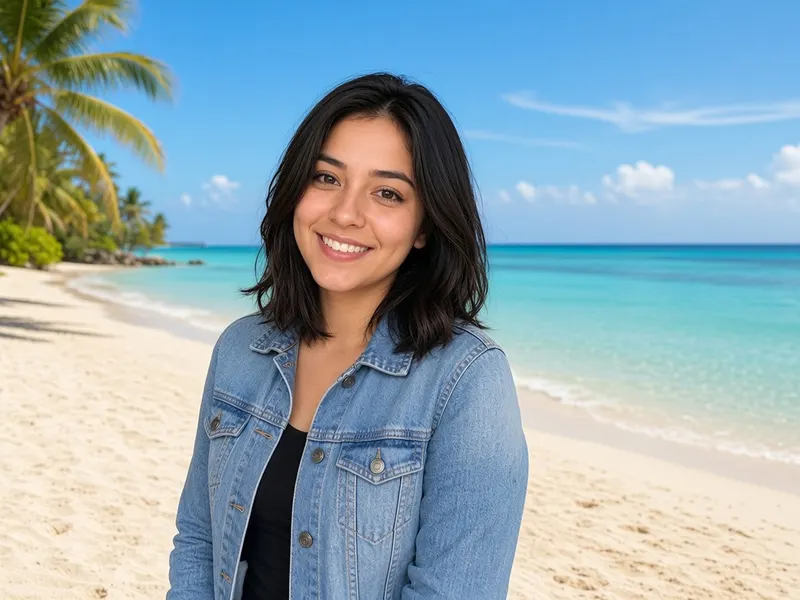
Before → After
Background Replace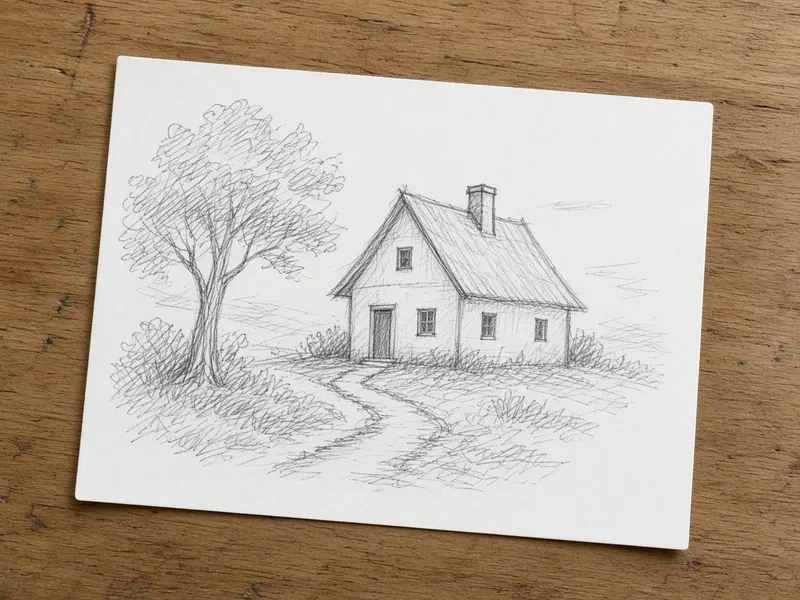
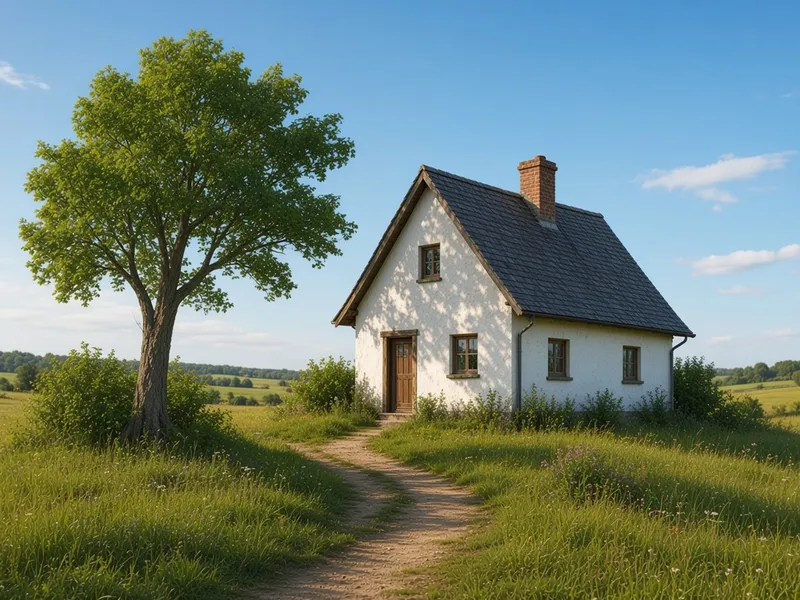
Before → After
Sketch to Image AI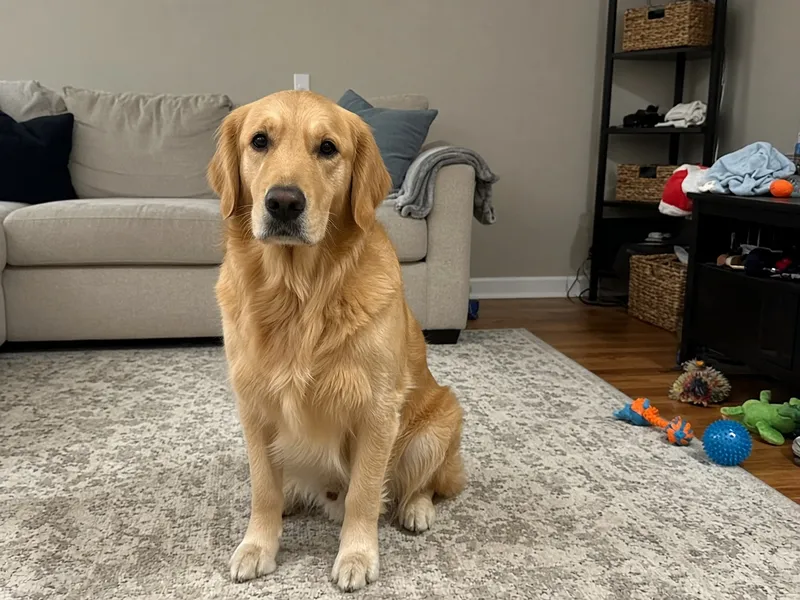
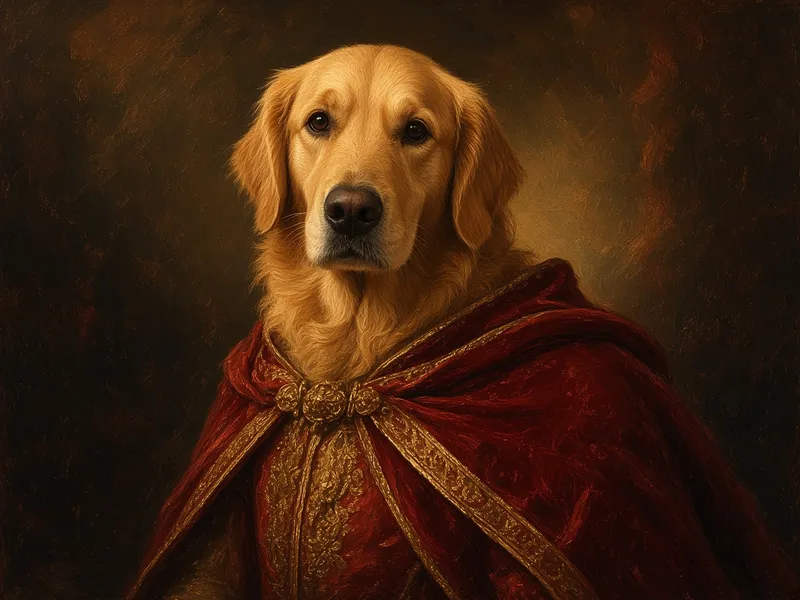
Before → After
AI Pet Portrait
More tools
Frequently asked questions
Can it colorize black and white photos?
You can ask for it. Add "colorize with natural tones" to the prompt. The colours are the AI's guess, not a record of the real ones.
Will faces be changed?
They can be. The AI generates a new image, so details may shift. Use a low strength and check the result against the original.
What file types work?
JPG, PNG or WEBP up to 10MB.
Is it free?
You get 5 free generations with no sign-up and no credit card. After that you can sign in and use paid credits.