Image to GIF AI — Animate Any Photo
Upload one still photo, describe the motion in a sentence, and ImgRestyle returns a short looping GIF you can preview and download. It works for pets, product shots, mascots and illustrations.
Under the hood this is a GPT Image 2.6 GIF maker: OpenAI's GPT Image 2.6 model, which ImgRestyle runs via fal.ai, draws a handful of frames and stitches them into an animation.
You get 3 free generations with no sign-up. A GIF counts as one generation, so you can try it before paying for anything.
How image to GIF works
- Step 1
Upload a photo
Drop a JPG, PNG or WEBP that you own or have the right to use. One still image is all you need.
- Step 2
Describe the motion
Write what should move, for example “the dog tilts its head”. Pick frames, speed and shape.
- Step 3
Download your GIF
Preview the loop right in the tool, then download it as imgrestyle-*.gif.
Prompt tips for a smooth loop
- Name the subject, for example “the golden retriever” or “the white mug”.
- Give it one simple action, such as a head tilt, a wave or rising steam. One motion animates better than three.
- Say what stays still: the background, the table, the camera.
- Ask it to return to the starting pose so the last frame leads back into the first and the loop looks seamless.
Example prompts
- Pet
- The cat slowly blinks and twitches one ear, then returns to the starting pose. The sofa and background stay still.
- Product photo
- Soft steam rises from the cup and fades, then the scene returns to the starting state. The cup and table stay still.
- Mascot
- The mascot waves one hand twice, then lowers it back to the starting pose. The background and the rest of the body stay still.
Image to GIF examples
AI-generated exampleThese GIFs were made with ImgRestyle from AI-generated still images, using the prompts shown. They are examples, not customer results. Your result will vary.
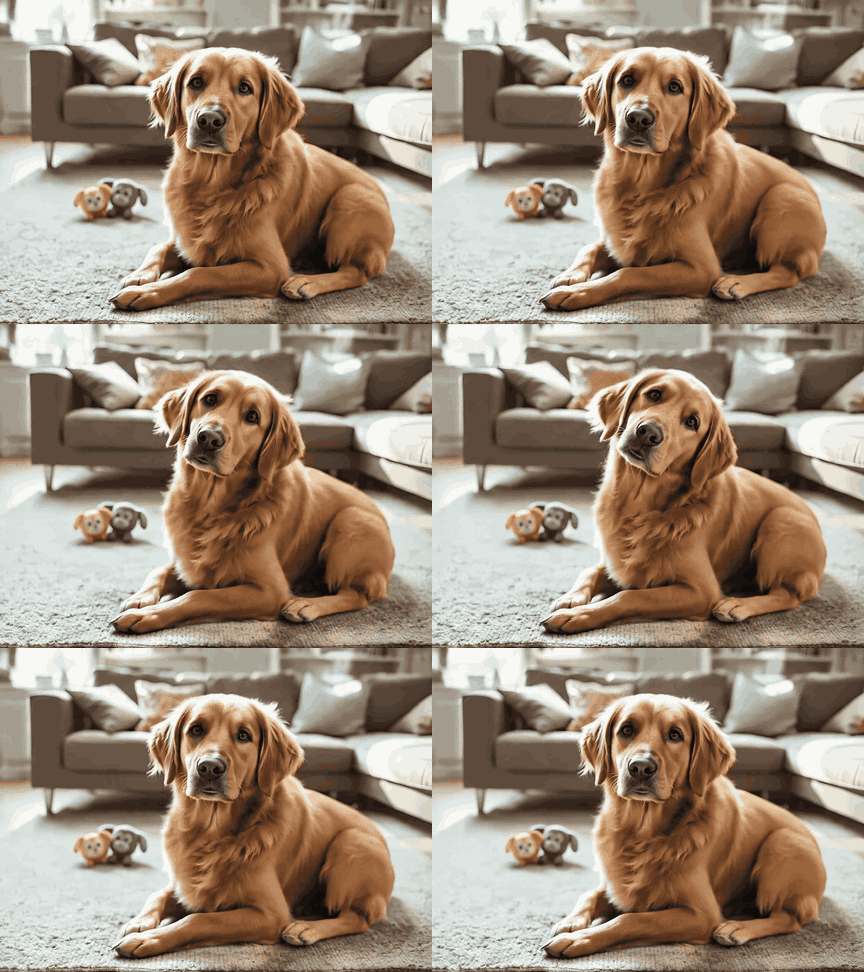
AI-generated example 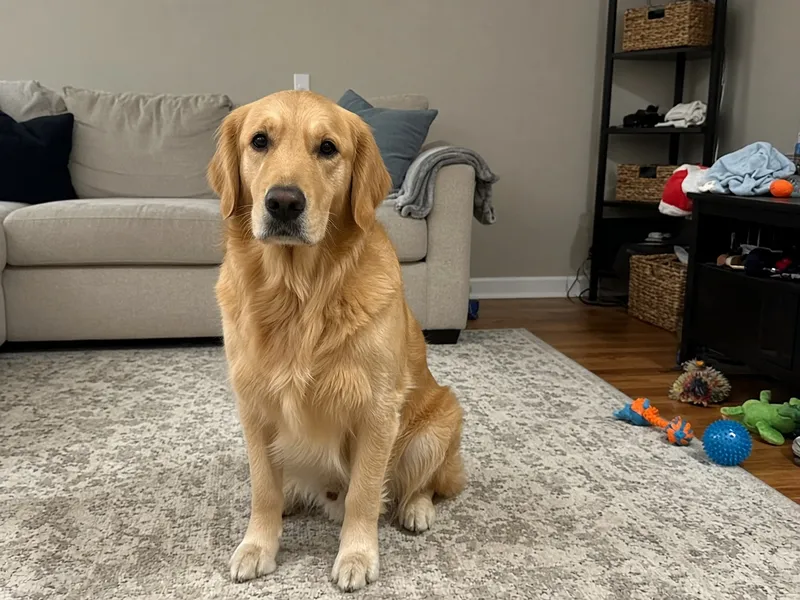
Source still Prompt: The golden retriever slowly tilts its head to one side and its ears shift, then returns to the starting pose. The sofa, rug and toys stay completely still.
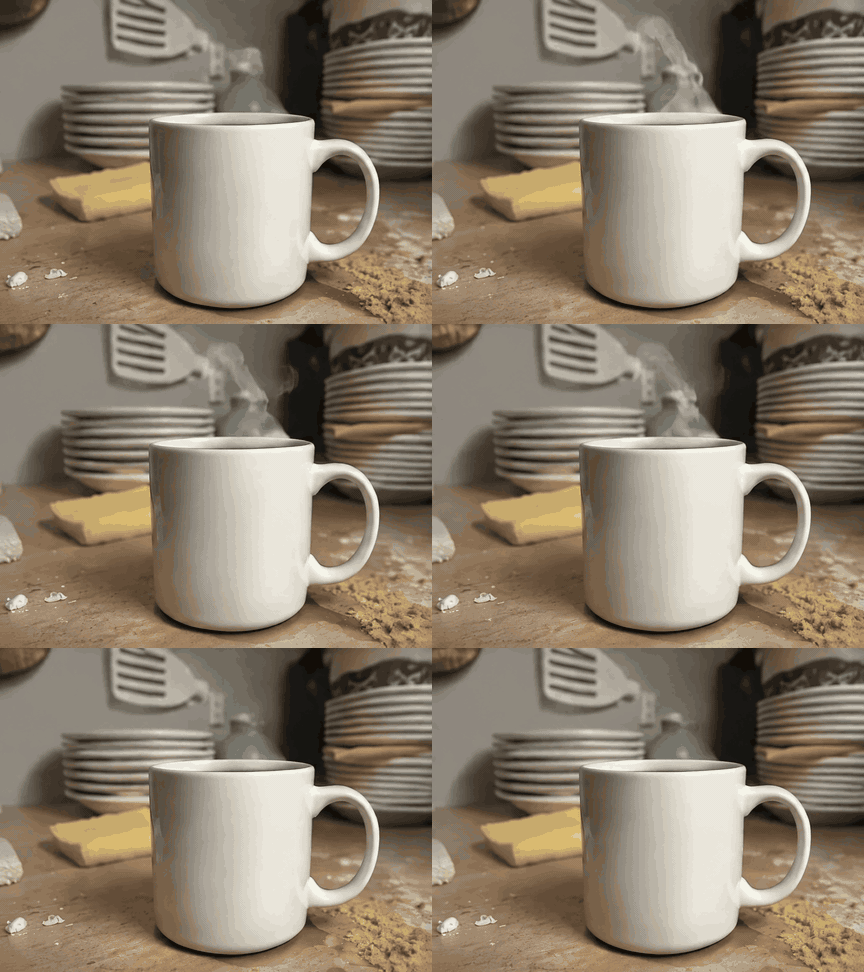
AI-generated example 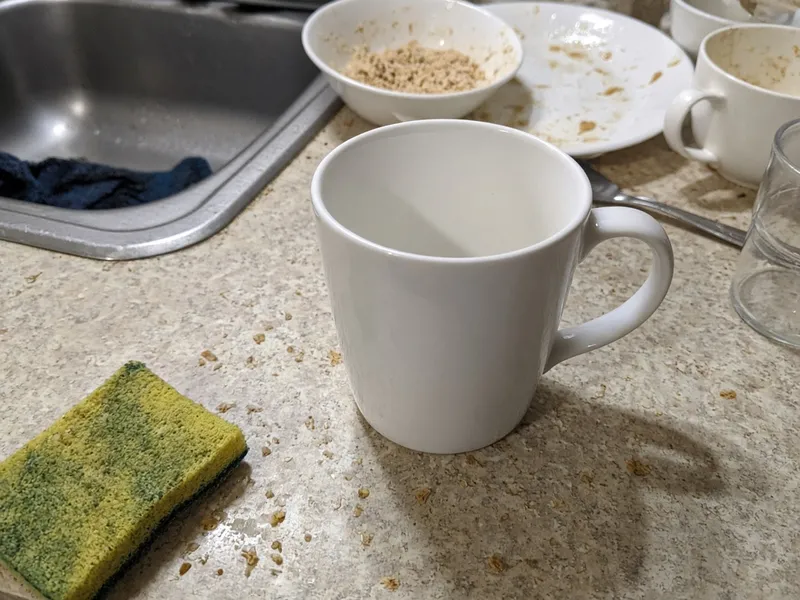
Source still Prompt: Thin wisps of steam rise from the white mug and curl gently, then settle back to the starting state. The mug, counter and background stay completely still.
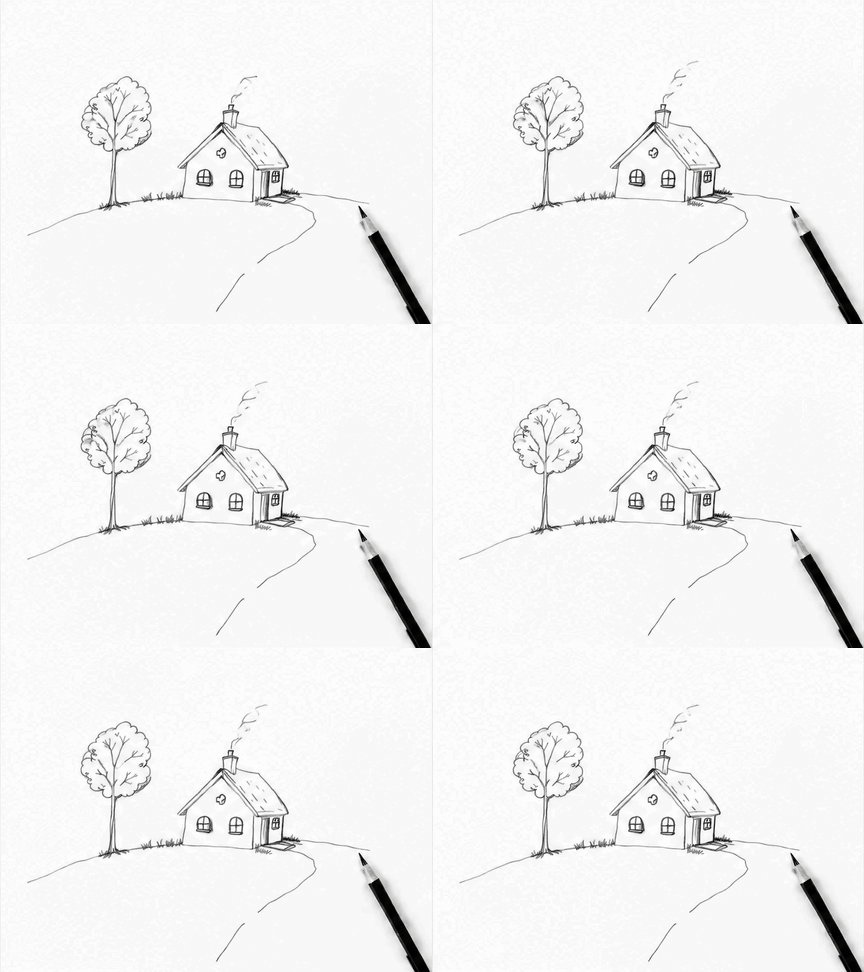
AI-generated example 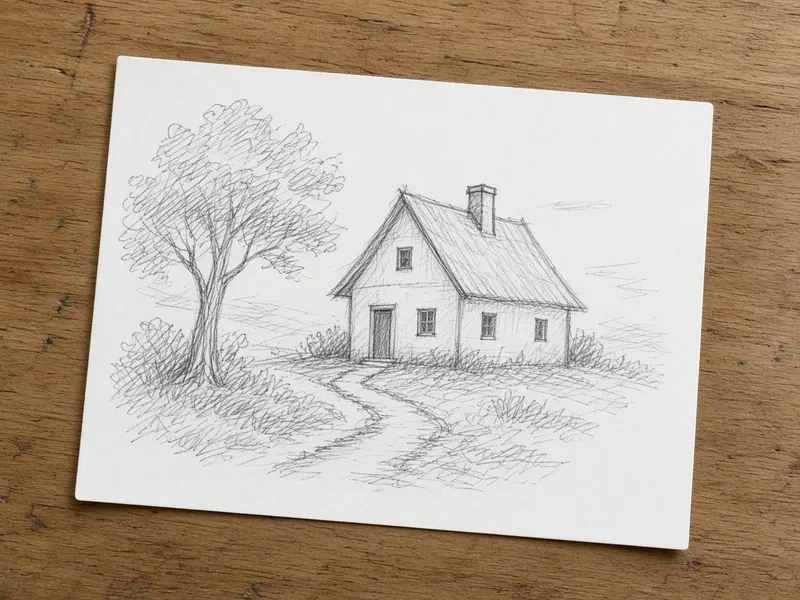
Source still Prompt: A thin curl of smoke drifts up from the cottage chimney and the tree sways very slightly, then everything returns to the starting pose. The paper, path and pencil stay still.
GIF options
- Frames
- Choose 6 or 9 frames. More frames give smoother motion; the default is 9.
- Speed
- Each frame shows for 100 / 200 / 300 ms, labelled Fast, Normal and Slow. Normal (200 ms) is the default.
- Size
- GIFs are small by design. Square renders at 512×512 px; portrait 3:4 and landscape 4:3 are also available. If the size is too big for the model's limit, ImgRestyle retries once at square.
GIF credits
A GIF costs 6 credits, because all frames are drawn within one shared image budget at medium quality. A normal GPT Image 2.6 image costs less. Your first 3 generations are free, and a GIF counts as one of them. If a GIF fails to generate you are not charged.
Image to GIF FAQ
How do I turn a photo into a GIF?
Upload a still photo, describe the motion (for example “steam rises from the mug, then returns to the start”), choose frames, speed and shape, and generate. The GIF appears in the tool and you can download it as imgrestyle-*.gif.
Is this ChatGPT?
No. ImgRestyle is an independent service and not an official OpenAI or ChatGPT product. It uses OpenAI's GPT Image 2.6 model via fal.ai. If you were looking for ChatGPT Images 2.6 GIF, this is a separate web app that runs the same model.
How many credits does a GIF cost?
A GIF costs 6 credits. Your first 3 generations are free, no sign-up needed, and a GIF counts as one generation. Credit packs are on the pricing page.
Why are the GIFs small and short?
All frames share one image-size budget in the model, so more frames means smaller frames. That is why GIFs are limited to 6 or 9 frames and small sizes such as 512×512 for square. The result is a short, looping clip, not a video.
Can the animation change my photo?
Yes. Results are AI-generated and details can drift between frames. Asking for one simple motion and saying what must stay still gives the closest match to your original. Only upload images you own or have the rights to use.
Good to know
ImgRestyle is an independent service and not an official OpenAI or ChatGPT product. GIFs are AI-generated and vary with your prompt and photo.
Make a GIFGPT Image 2.6 image to imageBack to the AI image to image editor